

This is an operational playbook for founders: when an admin account is suspected or confirmed compromised, you need prioritized, practical steps you can implement in minutes to stop lateral movement and protect high-value content and checkout flows. This walkthrough assumes you operate a lean stack and want controls that reduce blast radius without enterprise complexity.
- Immediate containment: first 30–60 minutes
- How do you lock down admin accounts fast?
- Assess blast radius: mapping what the attacker could access
- Prioritized defensive controls — what to do next (and why)
- Harden privileged workflows: durable changes after containment
- Telemetry, detection, and operator playbooks
- Common mistakes and realistic remediation examples
- Where to learn more and next operational steps
Immediate containment: first 30–60 minutes
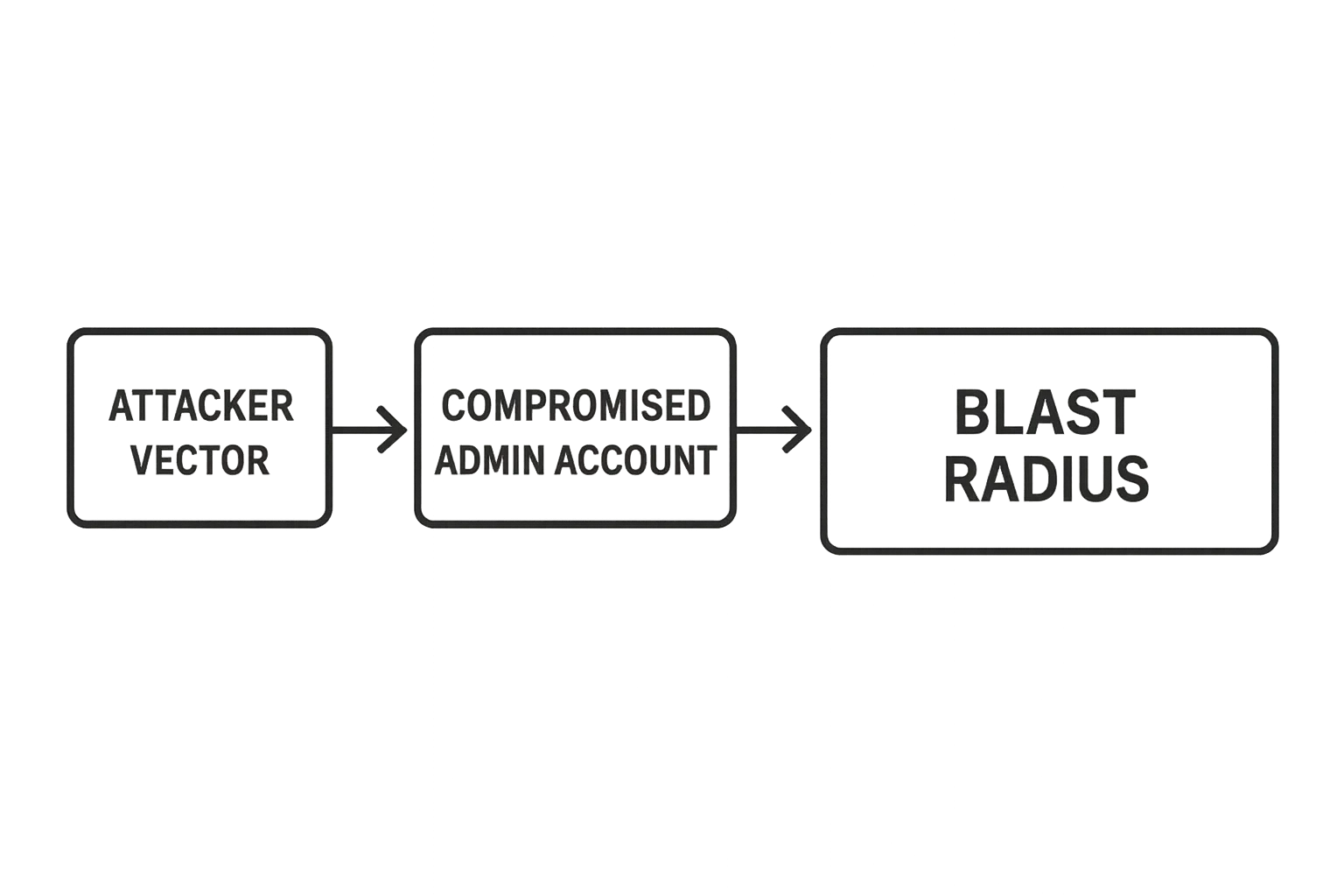
Threat-model flowchart from attacker vector to containment controls
When telemetry or a user report indicates a possible privileged compromise, act before you have perfect information. The aim of containment is simple: block the attacker’s ability to act as an admin and prevent credential reuse across systems.
Quick action checklist (first 15 minutes)
- Force logout of all admin users and invalidate active session tokens.
- Rotate passwords for suspected accounts and any shared secrets (SFTP, DB, CI tokens).
- Revoke API/application passwords and short-lived tokens.
- Temporarily block admin endpoints by IP or WAF rule.
- Disable nonessential plugins that can execute code or modify files.
- Notify your incident contacts and record the time-stamped actions.
Revoke active sessions and API keys
Start by terminating all active admin sessions and invalidating any API keys associated with admin users. In practice this means using your WordPress user screens to force logout everywhere, clearing any persistent session tokens, and revoking tokens issued to external services. This stops an attacker who is currently logged in even if credentials remain valid.
Example WP-CLI commands to revoke sessions and application passwords (run on your site where WP-CLI is available):
wp user list --role=administrator --field=ID | xargs -n1 -I% wp user meta delete % session_tokens
wp user list --role=administrator --field=ID | xargs -n1 -I% wp user meta delete % application_passwords
If you cannot run WP-CLI, use the WP Admin screens to force logout everywhere on each user profile and remove application passwords manually.
Rotate admin credentials and shared secrets
Rotate passwords for affected admin accounts and any shared secrets (database users, FTP/SFTP accounts, CI/CD tokens) that admins can access. Use strong, unique passwords and rotate keys immediately; short-term friction beats a missed containment window.
- Change passwords in your password manager and force re-login for all users.
- Rotate any service account credentials used by deployments or backups.
- Delete or rotate any OAuth or API client secrets that privileged users can access.
Isolate high-risk plugins and endpoints
Temporarily deactivate nonessential plugins and block access to admin endpoints at the web application firewall or server level where possible. Prefer server- or host-level blocking over plugin toggles when an attacker may have admin-level plugin control.
Example Nginx snippet to restrict wp-login.php to a known operator IP (replace 1.2.3.4):
location = /wp-login.php {
    allow 1.2.3.4;
    deny all;
}
Or Apache 2.4 .htaccess approach:
<Files "wp-login.php">
  Require ip 1.2.3.4
</Files>
How do you lock down admin accounts fast?
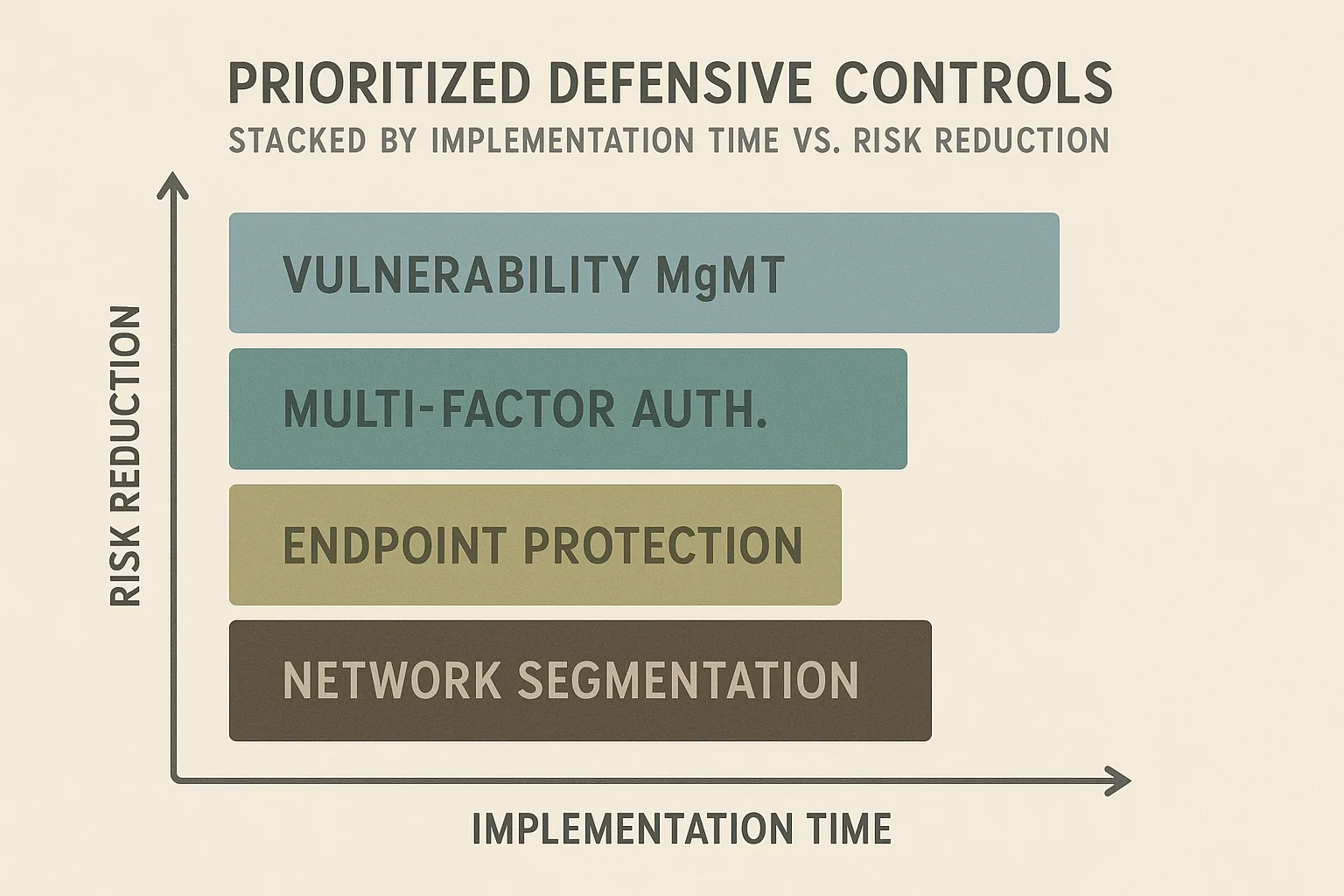
Stacked chart of defensive controls by speed and risk reduction
Immediately force logout for all admin users, require password resets, and turn on multi-factor authentication (MFA) for every remaining privileged account. Those three actions combined stop active sessions, invalidate stolen passwords, and make simple credential replay ineffective within minutes.
Practical MFA enforcement steps:
- Enable an MFA provider (plugin or SSO) in test mode and require it for a small pilot set of admins first.
- Enforce MFA for all administrators during the incident window; avoid optional settings—make it mandatory.
- Document exceptions and grant temporary bypass only with an auditable approval process.
Assess blast radius: mapping what the attacker could access
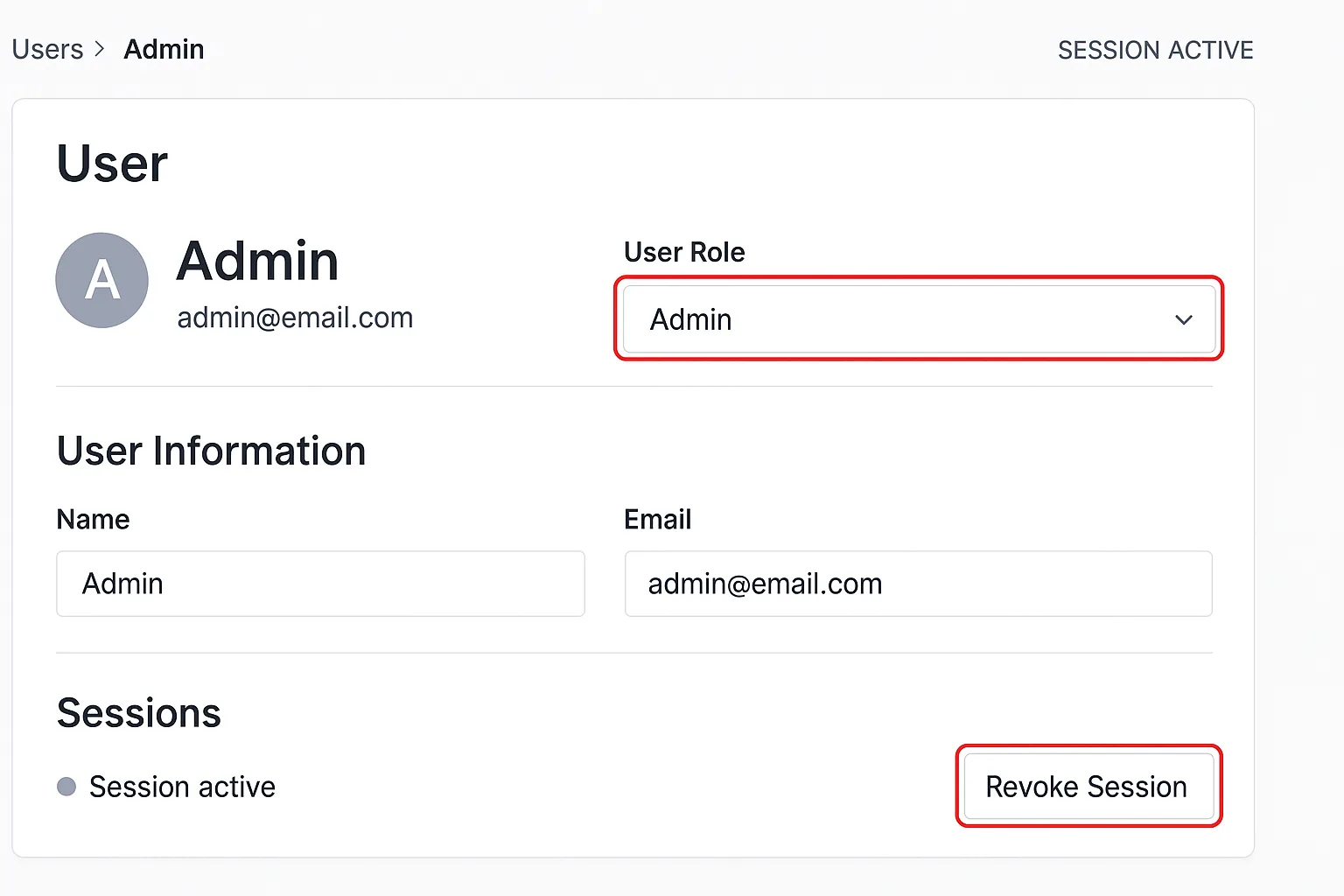
Admin user page mockup highlighting role scoping and session revoke actions
Containment buys you time to map exposure. Quickly enumerate what the compromised admin could access: user creation, plugin/theme installs, scheduled tasks (cron), payment endpoints, and external integrations. Prioritize controls that protect checkout flows and content publishing paths.
Check user and role changes
Look for any unexpected new administrators or changes to role capabilities. Audit the last 24–72 hours of user events, focusing on privilege escalations and any users added with high capabilities.
Quick audit checklist:
- Export recent user creation and role-change events from your audit logs.
- Search for unknown email addresses or usernames.
- Lock or disable any newly added admin accounts until validated.
Inspect scheduled tasks and cron jobs
Attackers often persist via scheduled tasks or injected cron jobs. Review wp-cron entries, server cron, and any plugin-scheduled hooks for suspicious commands or external callbacks.
Useful commands:
wp cron event list --fields=hook,next_run --format=table
crontab -l
sudo cat /etc/crontab
Look for tasks that call external URLs, drop shells, or run PHP via curl/wget. Remove or comment suspicious entries and preserve a copy for forensic review.
Audit plugin and theme modifications
Scan for recently modified files in wp-content/plugins and wp-content/themes. Prioritize plugins that interact with uploads, code execution, or external downloads.
Example file-finding commands:
find wp-content/plugins wp-content/themes -type f -mtime -7 -print0 | xargs -0 ls -lt
git status (if tracked in a repo)
If a file was modified, copy it to a forensic directory, then replace with a clean copy from your last known-good backup or vendor distribution.
Prioritized defensive controls — what to do next (and why)
Tackle controls in order of speed and impact. Below is a practical comparison of common controls so you can choose the shortest path to meaningful risk reduction.
| Control | Time to implement | Immediate risk reduction | Notes |
|---|---|---|---|
| Force-logout + password reset | 5–15 minutes | High | Stops active sessions; essential first step |
| Enable mandatory MFA for admins | 15–45 minutes | Very high | Blocks credential reuse; requires short user coordination |
| Scope admin roles & split duties | 30–90 minutes | High (medium-long term) | Reduces future blast radius; plan role changes carefully |
| Revoke API tokens and rotate service credentials | 15–60 minutes | High | Prevents attacker from using external integrations |
| Block admin endpoints by IP or WAF rule | 10–30 minutes | Medium | Effective short-term if you have stable operator IPs |
Harden privileged workflows: durable changes after containment
Once the immediate threat is contained and you have a clear blast-radius assessment, move to durable defenses that prevent repetition. These changes should be rolled out with a change window and tested on a staging environment when possible.
Enforce least privilege and separate duties
Break big administrator roles into focused capabilities (content publisher, plugin manager, billing manager). Remove blanket administrator access for routine tasks. This reduces the scope of any single compromised account.
Implementation steps:
- Map every admin user to the smallest set of capabilities needed to perform their job.
- Create role templates (e.g., Publisher, DevOps, Billing) and migrate users accordingly.
- Run a 30-day audit to ensure roles are not re-expanded without change control.
Implement short-lived credentials and just-in-time access
Where possible, use short-lived tokens or temporary elevation workflows so permanent admin credentials are rare. Adopting ephemeral credentials makes stolen static credentials far less useful.
Examples of pragmatic steps:
- Use deployment pipelines with temporary deploy tokens that rotate after each use.
- Require approval for elevation requests and log every temporary grant against an incident ticket.
Protect publish and checkout flows with layered checks
Apply additional checks for content publishing and payment-related changes: require dual-approval for code deployment to production, and restrict modification of checkout endpoints to a small set of trusted accounts. This prevents an attacker from silently altering payment forms or injecting skimmers.
For a focused walkthrough protecting checkout flows and high-value content, consult the playbook: Playbook: Defend High-Value Content and Checkout Flows from Automated Abuse and the tactical threat-models for founders at Reduce Incident Blast Radius: A Tactical Threat-Model Walkthrough for WordPress Founders.
Telemetry, detection, and operator playbooks
Containment and hardening are easier when your telemetry gives you clear, actionable signals. Avoid noisy alerts that don’t map to an operator action.
Make audit logs actionable
Ensure your audit logs record user capability changes, plugin installs, theme file edits, and authentication anomalies. Prioritize alerts that correlate multiple signals (failed login bursts + new plugin install) over single noisy events.
Checklist for useful telemetry:
- Log successful and failed admin authentications with IP and user agent.
- Alert on new admin creation, role changes, or plugin/theme file edits.
- Correlate web server logs for unusual POST/PUT requests to admin endpoints.
Run recovery drills and reduce blast radius in advance
Simulate an admin compromise to validate your ability to revoke sessions, rotate keys, and restore clean backups. Rehearsal reduces decision latency during a real incident.
Resources and blueprints for operator readiness include: Fight Back: A Step-by-Step Operator Blueprint to Stop Brute-Force & Credential Stuffing and Why Other Plugins Aren’t Enough: Hardening Admin Access and Privileged Workflows.
Where to go for tested operator playbooks
Use operator-oriented resources to bake these steps into your on-call runbook. For a tactical threat-model walkthrough tailored to founders, see Reduce Incident Blast Radius: A Tactical Threat-Model Walkthrough for WordPress Founders. For controls focused on preventing plugin exploit fallout, reference Why Other Plugins Aren’t Enough: Stop Plugin Exploits During Disclosure Windows.
Common mistakes and realistic remediation examples
Founders and small teams commonly make the same three mistakes: (1) treating admin accounts as convenience accounts, (2) waiting for full attribution before rotating credentials, and (3) relying on a single defense layer. Below are short remediation examples you can apply immediately.
Example 1 — Convenience admin with shared credentials
If multiple team members use a shared admin account, create individual accounts, force a password reset for the shared user, and review action history to attribute recent changes. Then remove the shared account entirely.
Example 2 — Delayed credential rotation
If you detect suspicious activity but delay rotation waiting for proof, attackers will use that window. Rotate the suspected credentials immediately and attach a short investigation timeline — you can always restore access after validation.
Example 3 — Single-layer defenses
Relying only on a plugin or only on IP whitelisting leaves you exposed. Combine quick wins (force logout, password rotation, MFA) with durable measures (least privilege, short-lived credentials) to create a layered defense.
When you want a single practical way to put these prioritized controls in place quickly, consider using Hack Halt Inc. as the operational platform to enforce session revocation, role scoping, and MFA policies across your WordPress sites: Hack Halt Inc.
Where to learn more and next operational steps
After containment and role-scoping, formalize the new procedures: update your runbook with exact commands and contact points, schedule a post-incident review to identify gaps, and automate as many steps as possible. For implementation-focused operator blueprints, see Fight Back: A Step-by-Step Operator Blueprint to Stop Brute-Force & Credential Stuffing and consult tactical threat-model resources like How WordPress Hacks Actually Happen — A Roadmap to Turn Noisy Telemetry into Concrete Remediation.
Prioritize actions that cost minutes and yield outsized reduction in attacker capability: force-logout, reset passwords and API keys, enable MFA, and split admin duties. Those moves make the difference between a noisy incident and a business-impacting compromise.