
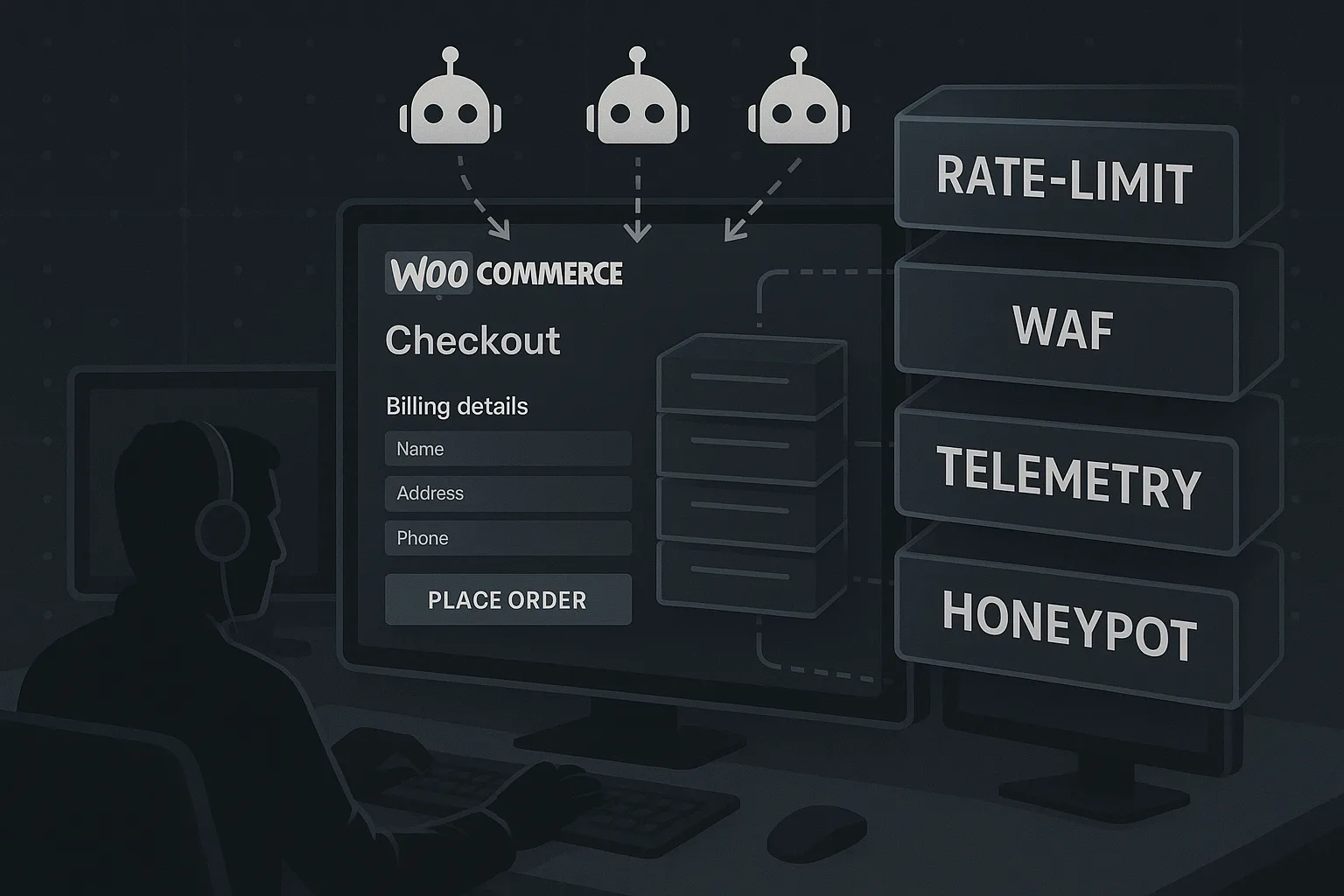
This teardown is written for the eCommerce manager who runs WooCommerce and must protect customer payment data and high-value content from automated abuse. We’ll step through the recurring operational mistakes I see in incident response, the exact corrective actions you can apply today, and a short incident mini-case study that shows the pattern from reconnaissance to containment. Expect tactical commands, realistic examples, and links to operator-focused resources on hackhalt.com.
- Why defending checkouts and high-value content matters
- How do you stop automated abuse targeting WooCommerce checkouts?
- Common mistakes that let automated abuse through
- Tactical corrective actions (operator-focused)
- Incident mini-case study: The quiet skimmer that hit midnight checkouts
- Implementing these controls with Hack Halt Inc.
- Operator next steps: a practical cadence
- FAQ
Why defending checkouts and high-value content matters
Checkout pages are a rich target: payment tokens, customer metadata, and session cookies flow through a small set of endpoints. Automated abuse — credential stuffing, automated form filling, and injected web shells that pivot into skimming — exploits those concentrated rewards. The wrong assumptions about traffic, telemetry gaps, and fragile admin controls create the conditions attackers prefer.
For a deeper framework on protecting high-value checkout workflows, review the operator playbook that lays out layered controls and telemetry expectations: Playbook: Defend High-Value Content and Checkout Flows from Automated Abuse.
How do you stop automated abuse targeting WooCommerce checkouts?
Apply layered, signal-driven controls that combine accurate telemetry, progressive rate-limiting, targeted challenges on suspicious flows, and admin hardening to close persistence vectors (the tools and policies act together rather than relying on a single plugin). Short-term isolation and logging allow you to validate and tune defenses without breaking legitimate purchases.
Common mistakes that let automated abuse through
Below are the practical errors I repeatedly see in the wild — each followed by a corrective action an operator can implement immediately. These are not theoretical; they are operational failures you can fix in hours.
Mistake: Relying on simple IP blacklists
Why it fails: Attackers use large botnets, residential proxies, or rotating cloud IPs. Blocking IPs alone produces an arms race and often blocks legitimate customers.
Corrective action: Use behavioral signals (request rate, identical payloads, browser fingerprint entropy) to build short-lived mitigations. Implement progressive rate-limits that escalate to lightweight challenges (CAPTCHA-like or JavaScript challenges) for suspect sessions instead of hard-blocking IPs.
Mistake: No telemetry on checkout integrity
Why it fails: Without request-level logging for checkout submissions, teams cannot distinguish errors from abuse, or trace injected scripts that tamper with form actions.
Corrective action: Emit structured telemetry for every checkout event: origin, user-agent fingerprint, form field hashes, timing, and anomalies. Retain logs long enough for behavioral correlation. Use features in your operator tooling to surface repeat offenders; see the WordPress Scanner and documentation for integrating telemetry with detection feeds.
Mistake: Treating admin compromise as a separate problem
Why it fails: Web shells and admin credential reuse allow attackers to plant code that only executes at checkout time, so teams miss the root cause during post-incident reviews.
Corrective action: Combine admin hardening and deployment hygiene with runtime containment. Follow the operator pathways in this layered approach: Layered Defense for WordPress and the specific incident lockdown playbook at Incident Walkthrough: Locking Down Admin Access.
Mistake: No safe quick-toggle to disable checkout features
Why it fails: When abuse spikes, operators either leave the checkout live (letting fraud continue) or take the entire store offline (hurting revenue).
Corrective action: Build an operator toggle that disables automated payment processing while serving a clear maintenance flow and recording justification and timestamps. Ensure providers’ webhooks are sandboxed and that customers can be redirected to a manual payment process temporarily.
Tactical corrective actions (operator-focused)
This section lists pragmatic controls with examples you can apply without guesswork.
Action: Map and instrument critical endpoints
Identify every URL that handles payment tokens, order creation, and webhook callbacks. Instrument them with request hashes and correlation IDs. Example: add a short-lived X-Checkout-Trace header on form render and validate it on submit; log mismatches as integrity anomalies.
Action: Progressive rate-limits and behavior challenges
Configure rate limits that escalate by session fingerprint rather than IP. Use a three-tier approach: soft throttles (delay responses), challenge pages for persistent suspicious sessions, and temporary block for verified automated patterns. Tune the thresholds with a monitored rollout window.
Action: Harden deployment and file write paths
Prevent web shells by removing runtime write permissions to plugin and theme folders from the web process. Use immutable deployments or CI/CD pipelines that sign artifacts. When file changes occur, fail the deployment rather than auto-applying unverified edits. See the operational roadmap at Operational Roadmap for hardened deployment patterns.
Action: Validate payment gateway integrations and rotate keys
Segment keys per environment and rotate credentials immediately if you detect abnormal checkout telemetry. Use short-lived tokens where supported and ensure webhooks validate signatures. Failure to validate webhook provenance is a common slip that lets attackers simulate order flows.
Incident mini-case study: The quiet skimmer that hit midnight checkouts
Scenario: A mid-size store saw a subtle rise in failed card authorizations between 00:00 and 03:00 daily. The errors were grouped on the checkout ‘confirm’ endpoint but logs showed legitimate-looking user agents. Operators initially treated it as a payment provider issue.
Detection: Structured telemetry revealed identical form payload hashes and repeated tiny timing deltas between render and submit across dozens of accounts — a classic automated flow. A review of recent file modifications found a small PHP stub dropped into an uploads folder that proxied the checkout payload to an external collector.
Containment steps taken: 1) The team toggled checkout to manual mode to stop transactions, 2) revoked affected API keys, 3) isolated the host and removed the web shell, and 4) replayed telemetry to recover order integrity. They then implemented progressive rate-limits and added behavioral hooks to flag replayed form hashes. The post-incident report referenced this same class of mitigations in our Layered Defense Teardown.
Implementing these controls with Hack Halt Inc.
To operationalize the layered defenses above you need coordinated telemetry, automated blocking that respects false positives, and simple containment toggles. Hack Halt Inc. provides an operator-friendly stack that ties telemetry, scanning, and action rules together so you can apply the corrective actions in this teardown quickly. Learn more about implementation and pricing to deploy the protections described here: Hack Halt Inc. pricing and deployment.
For configuration specifics, consult the documentation for event collection, mitigation rules, and deployment hardening at Hack Halt documentation. If you want a compact vulnerability and integrity check, start with the WordPress Scanner to reveal common vectors for web shell insertion.
Operator next steps: a practical cadence
Do this in the next 48 hours: map checkout endpoints, enable structured checkout telemetry, and create a maintenance toggle. In the next week: implement progressive rate-limits, lock down file write paths, and run a focused scan for web shells. Schedule a table-top to rehearse taking the checkout offline safely and ensure finance and comms know the manual payment fallback.
For broader program-level controls and a playbook to reduce blast radius, see Reduce Incident Blast Radius and the operational playbooks linked throughout this article.
FAQ
How fast can I push these mitigations without breaking customers?
Start with observability: enable telemetry and run in detect-only for 24–72 hours. Then deploy soft throttles and monitor false positives. Use a staged rollout by country or by low-volume traffic windows to minimize customer impact.
When is it appropriate to take the checkout offline?
Take the checkout offline when telemetry and integrity checks show repeatable, automated abuse that results in confirmed fraud or data exfiltration. If confident containment requires immediate action, switch to a manual payment process while you investigate.
What logs are essential for post-incident analysis?
Capture request headers, request and response bodies when feasible (masking sensitive fields), correlation IDs, user-agent fingerprints, timing, and any form-field hashes. Preserve filesystem snapshots and deployment metadata to identify persistence mechanisms.
Who should own the layered defense program?
Ownership should be cross-functional: an eCommerce operator owns the checkout mapping and telemetry, security owns detection rules and incident playbooks, and engineering owns deployment hardening. The owner must be empowered to toggle mitigations during incidents.
Protecting checkout flows against automated abuse is not a one-off project — it’s an operational discipline. Use the tactical corrective actions in this teardown, instrument aggressively, and apply short feedback loops so mitigations are precise and business-safe. For hands-on implementation that ties these controls together, consider deploying Hack Halt Inc. to bridge telemetry, automated blocking, and containment workflows for your WooCommerce environment: Hack Halt Inc..