When malware or a web shell touches a WooCommerce checkout, the damage is immediate: payment tampering, stolen customer data, chargebacks, and long reputational recovery. This teardown walks through the operator mistakes that repeatedly let attackers reach payment flows and gives concrete corrective actions to build a layered defense that prevents, detects, and contains those attempts.
- Why this operator teardown matters
- Common mistake 1: Treating plugins as standalone risks
- Common mistake 2: Relying on single-point detection
- How do you detect a web shell on a WooCommerce site?
- Common mistake 3: Weak admin workflows and excessive privileges
- Common mistake 4: Poor containment and slow recovery
- Incident mini-case study: a hidden web shell in uploads
- How to operationalize the layered defense
- One-click operational win: automate containment and recovery
- Final takeaways for eCommerce managers
- FAQ
Why this operator teardown matters
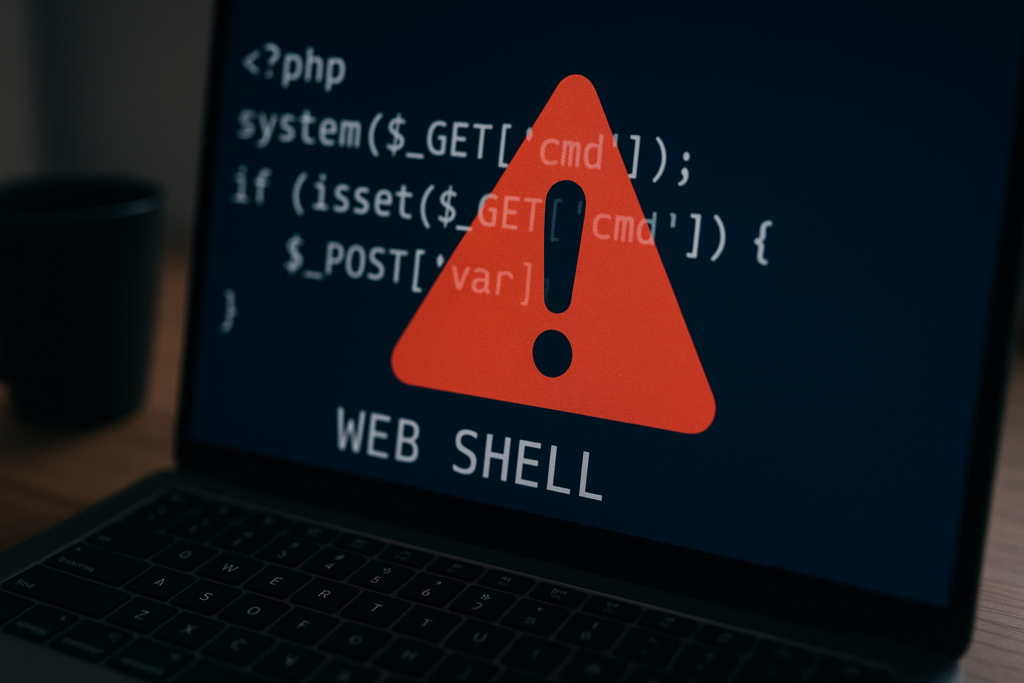
Blurred PHP web shell with warning triangle
As an eCommerce manager, your risk surface includes plugins, themes, admin workflows, and automated processes that touch orders and payment APIs. Attackers probe for weak chains — a vulnerable plugin or an exposed upload endpoint — and then deploy web shells to persist. The examples below strip out the hype and show what to fix first to protect checkout and customer data.
Common mistake 1: Treating plugins as standalone risks
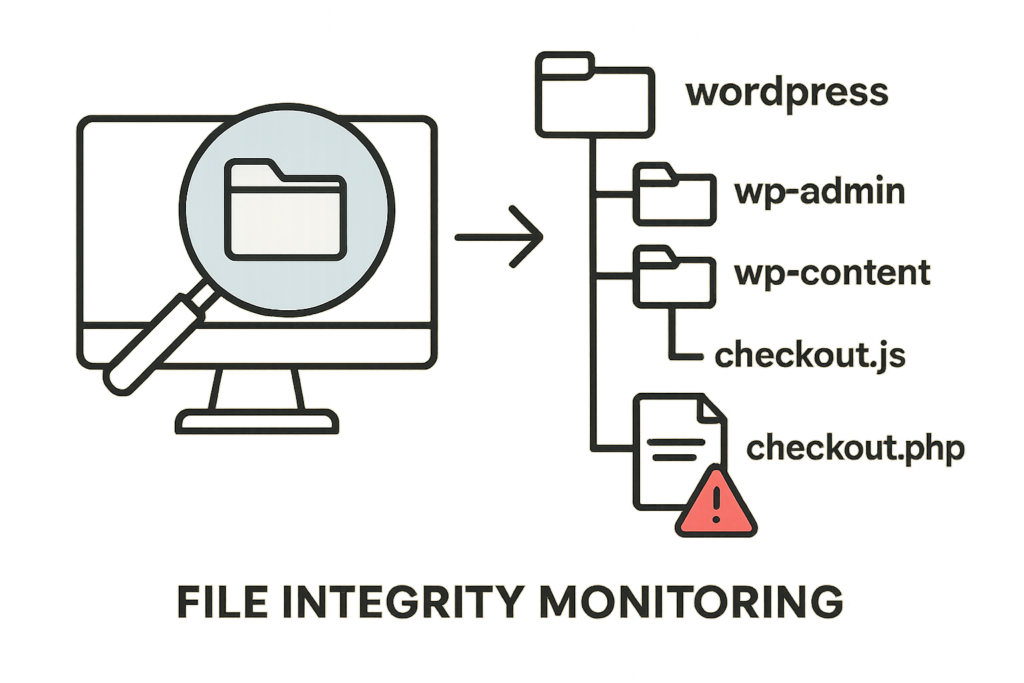
Diagram of file integrity monitoring scanning WordPress directories
Mistake: operators patch or remove a vulnerable plugin but don’t assume the attacker had time to plant backdoors before the fix. Corrective action: treat plugin risk as a chain — assume compromise, investigate adjacent files, and inspect for web shells in uploads, mu-plugins, and theme folders.
What to inspect immediately
Check recent file modification timestamps in wp-content, wp-config.php, mu-plugins, active theme PHP files, and the uploads directory for PHP or unexpected executable files. Compare with a clean backup or use file hashes where available.
- Checklist: list of immediate file checks
- Scan wp-content for PHP files in unexpected places (uploads, cache folders).
- Inspect mu-plugins and /wp-content/themes/active-theme/ for recently modified files.
- Validate wp-config.php permissions and look for unexpected includes or require statements.
- Compare current file hashes with a recent trusted snapshot; flag any mismatches.
- Export active plugins list and versions for correlation with disclosed CVEs (use Reduce Plugin Exploit Risk playbooks).
How to correct without breaking checkout
Stage changes on a clone before pushing to production. If you must patch live, disable checkout endpoints (see containment below) and apply file restores or targeted removals, then validate order flow with test transactions on a sandboxed gateway.
- Quick live-safe steps:
- Place checkout behind a maintenance banner or WAF rule that returns HTTP 503 for /checkout and /cart while preserving product browsing.
- Switch payment gateway credentials to test keys or disable automatic capture in the gateway dashboard.
- Restore suspect files from the nearest clean backup into a read-only sandbox for verification.
- After restore, run a set of scripted smoke tests: place orders, check webhooks, and inspect payment provider logs before re-enabling capture.
Relevant documentation
For recommended workflows that map to controls discussed here, see the operator notes and playbooks such as Layered Defense Teardown, the tactical walkthrough at this teardown, and targeted hardening guidance in Why Other Plugins Aren’t Enough.
Common mistake 2: Relying on single-point detection
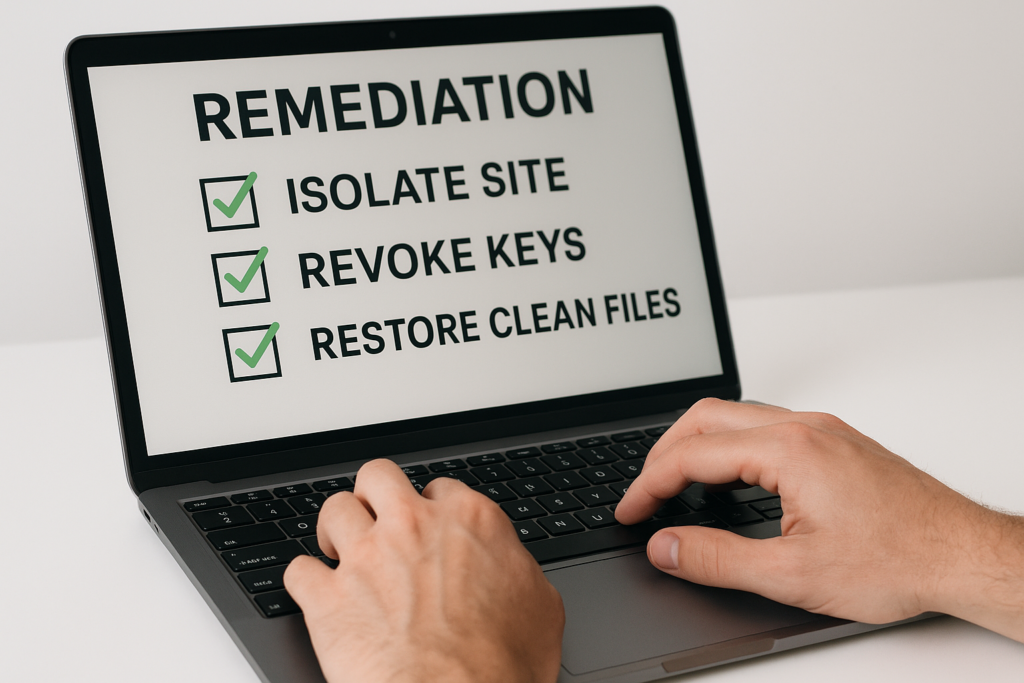
Operator typing remediation commands with checklist visible
Mistake: expecting one tool to catch all web shells. Corrective action: implement overlapping telemetry — file integrity monitoring, WAF rules tuned for checkout endpoints, process and PHP runtime anomalies, and SCA alerts for plugin updates.
How layering improves detection
Web shells often slip past signature-based scanners. By layering behavioral detection (sudden POSTs to atypical endpoints, exec() calls, or base64 blobs in recent files), you catch different attacker stages: initial upload, persistence, and exfiltration.
Actionable tuning example
On the WAF and application layer, treat POSTs to /wp-content/uploads/*.php as high-risk and generate high-priority alerts. Pair that with file integrity alarms on PHP file changes and escalate automatically to an incident playbook.
- Sample WAF rule logic (conceptual):
- IF method == POST AND path matches /wp-content/uploads/*.php THEN block AND create high-priority alert
- IF outbound IP for PHP process not in allowlist THEN alert and throttle outbound connections
- Integrate alerts with runbooks so that a hit on both FIM and WAF escalates to containment automatically.
How do you detect a web shell on a WooCommerce site?
Look for anomalous PHP files in uploads, modified plugin/theme files, abnormal outbound traffic to unknown IPs, and unexpected admin sessions. Use short-lived containment — block checkout processing and rotate keys — while you validate file integrity and remove suspicious files.
Common file indicators: small, obfuscated PHP files; files with long base64 strings; files that reference eval(), base64_decode(), preg_replace with an /e modifier, or that create network sockets. Flag any such files in uploads or theme directories immediately.
Common mistake 3: Weak admin workflows and excessive privileges
Mistake: shared admin users, unmonitored API keys, and long-lived service credentials let attackers escalate. Corrective action: enforce least privilege, rotate API keys tied to payment gateways regularly, and require MFA for any account that can manage orders or plugins.
Privilege hardening steps
Segment roles so order support agents cannot install plugins or edit theme files. Treat integrations (inventory syncs, marketing tools) as separate identities with only the scopes they need.
- Implementation steps:
- Audit all users and API keys; remove or rotate any unused or shared credentials.
- Create scoped service accounts for integrations; give them only the WP REST or webhook capabilities needed.
- Enforce MFA for any role that can manage plugins, themes, or payment settings; apply conditional access where possible.
- Use a change approval workflow for plugin installs or theme edits — require two-person approvals for production changes.
Operational change to reduce blast radius
If a service account is compromised, have a documented rollback procedure: revoke the key, switch to a temporary credential, and replay recent webhooks on a clean system to reconcile order state.
Include a checklist in the runbook: identify impacted scopes, revoke keys, create short-lived replacements, and validate integration functionality with a test order before re-enabling full privileges.
Common mistake 4: Poor containment and slow recovery
Mistake: trying to clean a live site without isolation. Corrective action: follow rapid containment — remove payment processing hooks, place checkout behind a maintenance notice, and isolate admin access while preserving read-only logs for forensics.
Practical containment checklist
Do these in order:
- Disable checkout and payment capture (switch to test gateway keys or return 503 on cart/checkout endpoints).
- Provision read-only copies for forensic analysis — snapshot file system and database (do not overwrite original evidence).
- Rotate any exposed credentials (payment gateways, API keys, SSH) and block suspicious admin sessions.
- Begin file integrity scans and backups for restoration; capture PHP process list and outgoing connection logs.
- Notify stakeholders and activate incident response playbook that includes communication templates for customers and payment providers.
Example rollback strategy
If you have an immutable daily backup from before the compromise, restore that environment in a sandbox, apply incremental updates from hardened sources, validate test transactions, and then promote to production during a controlled maintenance window. Keep a detailed checklist of pre- and post-promotion tests (webhooks, order lifecycle, refunds).
Incident mini-case study: a hidden web shell in uploads
Symptom: a spike in failed webhook deliveries and customer complaints about payment failures. Investigation found a PHP file in /wp-content/uploads/ modified two days earlier that proxied checkout requests to an attacker-controlled endpoint. The operator mistakes: no file integrity alerts and an overprivileged marketing plugin with file-write capability.
Investigation steps taken:
- Isolated checkout and rotated gateway credentials.
- Captured filesystem snapshot and network connections for forensics.
- Removed the malicious file and restored uploads from a vetted backup.
- Audited plugin permissions and removed file-write capability from the marketing integration.
Corrective actions applied: the team immediately disabled checkout, revoked gateway credentials, restored the upload folder from a clean backup, rotated API keys, and tightened the plugin’s permissions to remove file-write scope. Post-incident, they added layered detection (uploads policy + file integrity + WAF rules) and automated an incident playbook that triggers isolation and a rollback to a known good state.
How to operationalize the layered defense
Start with three prioritized controls: 1) file integrity monitoring that watches PHP and template directories, 2) strict admin privilege enforcement and key rotation, and 3) tuned telemetry that correlates uploads, file changes, and outbound traffic. These controls reduce detection time and limit attacker dwell.
Where to start today
Schedule a 2-hour audit of wp-content for unexpected PHP files, review admin accounts for shared credentials and remove any user with unnecessary plugin edit capabilities, and configure alerts for any PHP creation in uploads.
- Daily/Weekly operational checklist:
- Daily: review file integrity alerts, blocked WAF rules, and failed login spikes.
- Weekly: audit active plugins and theme files against a baseline; verify backups are restorable.
- Monthly: rotate keys for payment gateways and third-party integrations; test incident playbook end-to-end.
Where to go next
Integrate the alerts into your incident playbook so that a single high-confidence file-integrity alarm can automatically trigger containment steps and notify on-call operators with remediation instructions. Tie detection to automated tasks: create a sandbox restore, switch gateway to test keys, and execute pre-approved smoke tests.
Playbook: Contain → Eradicate → Recover (practical steps)
- Contain: block checkout, snapshot evidence, rotate exposed credentials, isolate admin panel to allowlist.
- Eradicate: remove malicious files from a sandboxed restore, apply clean plugin/theme copies, and harden write permissions.
- Recover: validate with test transactions on a sandbox gateway, promote to production during maintenance window, monitor intensively for 72 hours.
Resources for operators
Read the detailed operator teardown for layered defense at Layered Defense Teardown and see common mistakes and fixes in this tactical teardown. For admin access hardening, consult our hardening guide, and review telemetry mistakes and recovery playbooks at Telemetry Mistakes and Operator Notes.
One-click operational win: automate containment and recovery
Automate containment triggers so that when a high-confidence web shell indicator appears, the system disables checkout, revokes payment keys, and takes a clean snapshot for forensics. That buys time for manual review without exposing customers. Consider automating the initial triage steps and linking them to your on-call rotations and notification channels.
Implementing these controls is faster when you centralize detection and remediation — deploy centralized telemetry to automate correlation, trigger containment playbooks, and accelerate clean restores from verified backups. See our battle-tested playbooks for layered defense and admin hardening for more structured implementations.
Final takeaways for eCommerce managers
Attackers exploit chains. Fix the chain: assume plugin compromise, scan adjacent files, stop single-point detection reliance, harden admin workflows, and automate containment that preserves revenue while you remediate. Each improvement shrinks dwell time and saves customer trust.
FAQ
How do I prioritize controls on a small operations team?
Prioritize controls that reduce attacker dwell and directly protect checkout: file integrity monitoring, least-privilege for admin accounts, and automated containment that disables payment capture. These yield the highest risk reduction per hour of effort.
What signals reliably indicate a web shell is present?
Reliable signals include unexpected PHP files in uploads or theme directories, new mu-plugins, outbound connections to unknown IPs from PHP processes, and unusual POSTs hitting non-standard endpoints tied to order flows. Multiple corroborating signals (FIM + WAF + network) increase confidence before taking high-impact containment steps.
Can I validate a site is clean without taking it fully offline?
You can limit customer impact by disabling only checkout and payment capture while leaving product browsing available. Use a sandboxed payment gateway or static holding page for checkout until you’ve validated a clean restore. Always run full smoke tests on a sandbox before re-enabling live capture.
When should I call in specialists?
Call specialists if you see signs of data exfiltration, repeated persistence after cleanups, or if you lack forensic capability to preserve evidence — fast, professional containment reduces long-term recovery costs. When in doubt, escalate early to avoid rebuilding trust after a larger breach.