Credential stuffing and brute-force attacks are the most common routes to downtime and account takeover on WordPress sites. This roadmap gives an IT generalist practical, prioritized actions — quick wins you can do in hours and deeper fixes that remove repeat incidents for good. Wherever the steps reference controls Hack Halt covers, you can map them to product docs and deployment pages for faster rollout.
- How do you stop credential stuffing and brute-force attacks?
- Quick wins: reduce noise and blunt the attack
- Network & rate-limiting controls
- Credential hygiene and identity controls
- Detection, telemetry, and incident response
- Deep fixes and architecture changes
- Actionable checklist
- Incident mini-case study
- Where to go from here?
- Further reading and operational references
- FAQ
How do you stop credential stuffing and brute-force attacks?
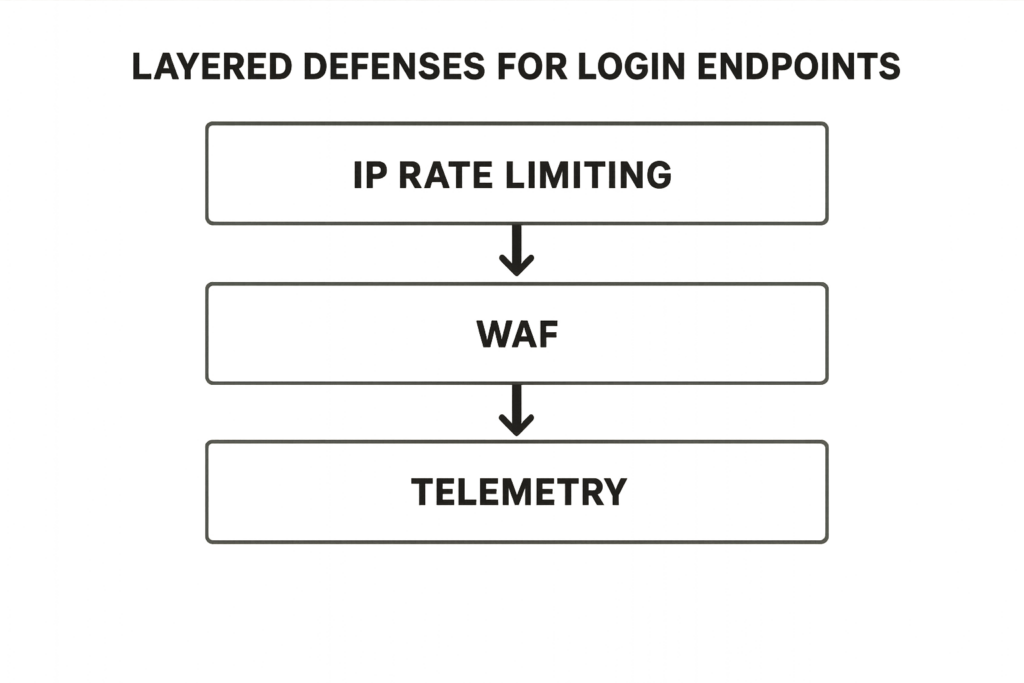
Layered defenses diagram for login endpoints including rate limiting and MFA.
Start by immediately reducing the attack surface with targeted rate-limits, account lockouts, and telemetry so you can see the attack pattern; then harden credentials and flows (MFA, rotated keys) and bake incident playbooks into your monitoring. Those three layers — block, detect, and remediate — stop active attacks and prevent repeat compromise.
Quick wins: reduce noise and blunt the attack
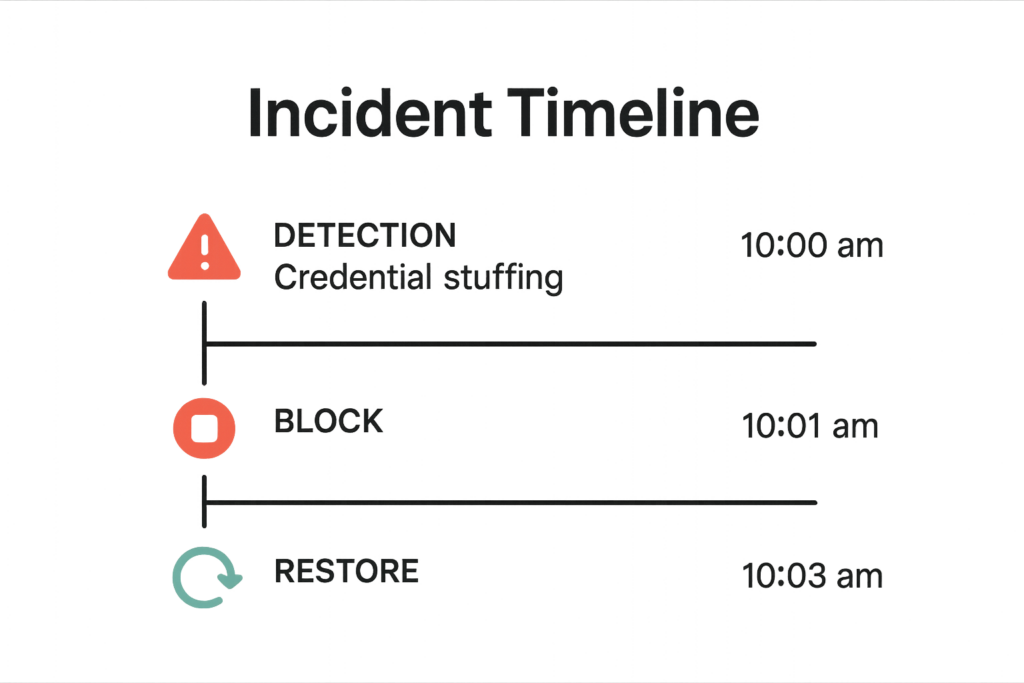
Incident timeline mockup showing detection, block, and restore after credential stuffing.
Apply the following quick wins in order of speed-to-value. These are designed to be reversible and testable in production with minimal risk.
1. Apply immediate rate-limiting to auth endpoints
Throttle requests to wp-login.php and REST auth endpoints by source IP and by session fingerprint. Start with conservative limits (for example, 10 attempts per minute) and tighten as you validate. Watch for legitimate integrators — if you rely on external services, create allowlists or short-term bypasses.
2. Implement short lockouts and progressive backoff
Lock accounts after a small number of failures (5 is a common threshold) and use exponential cooldowns. Notify users on lockout so they know to contact support; avoid permanent account disablement unless part of a separate workflow.
3. Block abusive IPs and automate temporary denials
Use your hosting firewall or edge controls to block high-volume IPs and ranges. Automate temporary bans for IPs that exceed failure thresholds and add a second-tier action for repeated offenders (longer bans or subnet blocks).
Network & rate-limiting controls
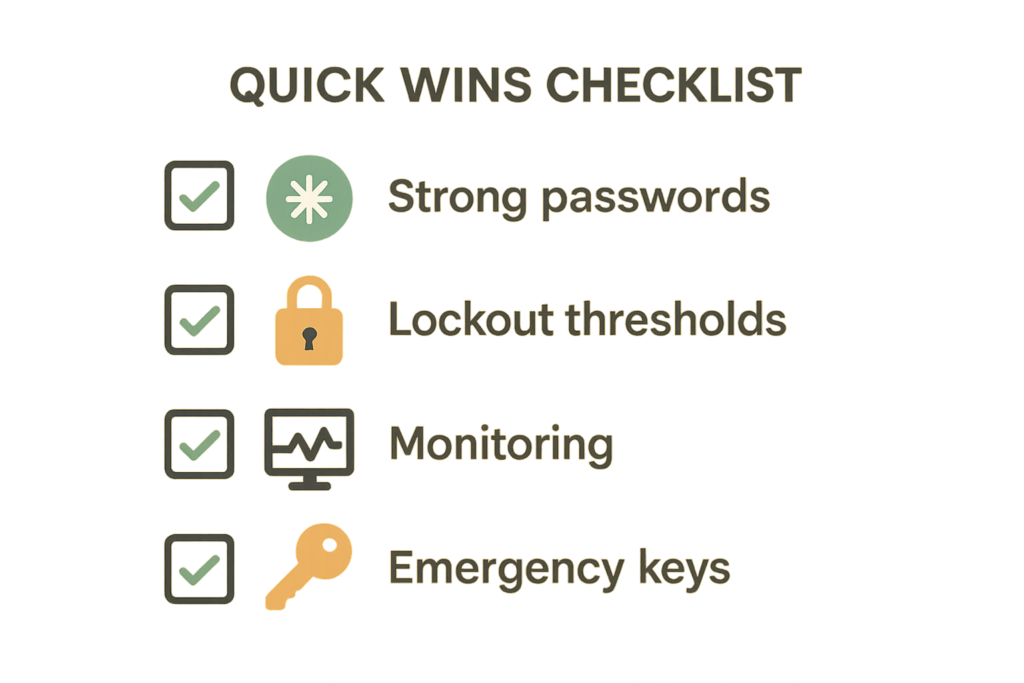
Graphic of a checked quick-wins hardening checklist for WordPress.
These controls reduce the attacker’s ability to try credentials at scale and give you time to react.
Edge rate limits and bot detection
Apply rate limits at the earliest possible layer — edge or CDN where available — to preserve origin capacity. Reject clearly automated traffic using simple heuristics (rapid-fire attempts, same payload across accounts) and incrementally escalate to challenge-response when suspicious.
Progressive challenge policies
For high-volume sites, use progressive challenges: invisible throttles → CAPTCHA/challenge → temporary block. This sequence reduces false positives while scaling defense against automated tooling.
Use source reputation and anomaly scoring
Aggregate failure rates by IP, ASN, and country to assign reputation scores. Combine those with velocity signals (attempts per minute per account) to trigger stricter controls for high-risk sources.
Credential hygiene and identity controls
Credentials are the persistent risk. The following actions reduce long-term exposure.
Enforce strong passwords and rotate shared secrets
Require passphrases for all accounts and remove shared admin credentials. For automation (payment gateways, integrations), rotate keys regularly and store them in a vault rather than in plugin settings or code.
Mandate MFA for privileged roles
Require MFA for administrators, shop managers, and any account with the ability to change checkout flows or payment settings. Combine MFA with session length policies and re-authentication for sensitive actions.
Audit and remove stale accounts
Schedule quarterly reviews to disable accounts that haven’t logged in for a defined period and enforce least-privilege role assignments for all users.
Detection, telemetry, and incident response
Blocking attempts is necessary but not sufficient; you must know when, how, and where attempts happen to iterate and improve defenses.
What telemetry should you collect?
Collect timestamped auth attempts, source IP, ASN, user agent, targeted username, and success state. Retain raw logs for at least 30 days and store aggregated metrics for trend analysis.
Alerting and playbooks
Create alert thresholds (spikes in failed logins, unusual geographic concentration) and link each alert to an on-call playbook that contains immediate containment steps and communication templates.
Runbooks and recovery steps
Define a short runbook: detection → temporary throttle or block → force password reset for suspected accounts → validate site integrity (plugin files, admin actions) → restore service. Cross-link runbooks with broader recovery plans to reduce blast radius, as detailed in our operational notes.
See related operator guidance in Operator Blueprint: Stop Automated Abuse on High-Value Content and Checkout Flows and the tactical teardown at How WordPress Hacks Actually Happen — Stop Brute-Force & Credential Stuffing for examples tied to e-commerce flows.
Deep fixes and architecture changes
These require planning but eliminate surface area for future attacks.
Migrate away from username-based auth where possible
Shift to email-based logins or use tokenized service accounts for integrations. Removing predictable usernames reduces the success rate of credential stuffing lists.
Isolate high-value flows
Segregate admin and checkout endpoints behind additional access controls or separate subdomains with stricter policies. This reduces blast radius when one area faces attack.
Introduce automated remediation and regression testing
Automate account enumeration checks, simulate login attack patterns in staging to validate rate-limits, and include security tests in your CI pipeline to prevent regressions that reopen attack vectors.
Actionable checklist
- Enable edge rate-limiting on authentication endpoints and monitor for 24–72 hours.
- Set account lockout at 5 failed attempts with exponential backoff and user notification.
- Require MFA for all privileged accounts and schedule full rollout testing.
- Log structured auth telemetry (IP, UA, timestamp, username, success) and retain for 30 days.
- Rotate integration keys and move secrets into a vault; remove shared accounts.
- Create a short incident playbook and run a tabletop exercise with your on-call team.
- Schedule monthly review of alerts and quarterly threat-model refresh focusing on login flows.
Incident mini-case study
A mid-sized retailer experienced a sudden spike of failed logins on their checkout accounts. The IT operator applied an edge throttle and a temporary IP denylist, enforced an immediate password reset for flagged accounts, and enabled MFA for managerial roles. Within three hours the authentication volume normalized; the team then replayed the attack against a staging replica, adjusted thresholds to reduce false positives, and documented the actions in a short runbook. For the retailer, the combination of quick containment and a small investment in telemetry prevented repeated outages and removed the need for emergency full-site rate limiting.
Where to go from here?
Map each checklist item to a deployment owner and an SLA for implementation. If you need a vendor that provides hardened controls and incident automation aligned with these steps, Hack Halt Inc. offers an operator-focused suite that implements rate-limits, account hardening, and playbook automation — see deployment and pricing at https://hackhalt.com/pricing/. For product docs and setup guidance consult our documentation hub for step-by-step configuration and recommended thresholds: Hack Halt documentation.
Further reading and operational references
Operational teams will find the following internal resources helpful for extending this roadmap: Fight Back: Hardening Admin Access and Privileged Workflows — An Implementation Roadmap and Operator Notes: Reduce Incident Blast Radius with Monitoring and Recovery Playbooks. Use those guides to connect credential controls with broader recovery and monitoring strategy.
FAQ
How fast should I respond when I detect a credential stuffing attack?
Respond within minutes to hours depending on scale: prioritize blocking the offending IP ranges or rate sources, enable temporary global throttles, rotate compromised credentials or force password resets for affected accounts, and scale detection rules. Fast containment reduces account takeover and preserves uptime.
Will locking logins break legitimate traffic or integrations?
If applied carefully, no. Use staged controls: start with invisible throttles and monitoring, then apply strict lockouts only for detected automated patterns. Test on a small subset (staging or a specific user group) before site-wide enforcement, and maintain emergency bypass keys for trusted integrations.
What telemetry should I collect to verify mitigation worked?
Collect aggregated login attempt rates, unique IP counts, geographic trends, failure-to-success ratios, and endpoint latency. Correlate spikes with deploys or cron jobs, and keep raw logs for at least 30 days to investigate attack patterns and false positives.
Can Hack Halt implement these controls for me?
Yes — Hack Halt Inc. offers controls and automation to implement rate limits, account hardening, and incident playbooks quickly; see pricing and deployment options at https://hackhalt.com/pricing/ to match the roadmap to your operations.