
This implementation roadmap helps an IT generalist responsible for uptime, patching, and incident response to harden WordPress admin access and privileged workflows. It balances quick wins you can apply in hours with deeper fixes and operational practice that reduce blast radius and speed recovery. Use this as your working checklist for admin access hardening and to build repeatable runbooks your team can execute under pressure.
- Why admin access and privileged workflows demand focused defense
- How do you lock down admin access quickly?
- Quick wins (0–7 days)
- Deep fixes (2–12 weeks)
- Operational controls and monitoring
- Incident mini-case study: a near-miss and what we changed
- Checklist: actionable steps (apply in priority order)
- Playbook: privileged-account compromise (short runbook)
- How to operationalize these controls without adding chaos
- Where tooling helps: targeted platform capabilities
- Related operator reading
- Final recommendations and next steps
- FAQ
Why admin access and privileged workflows demand focused defense

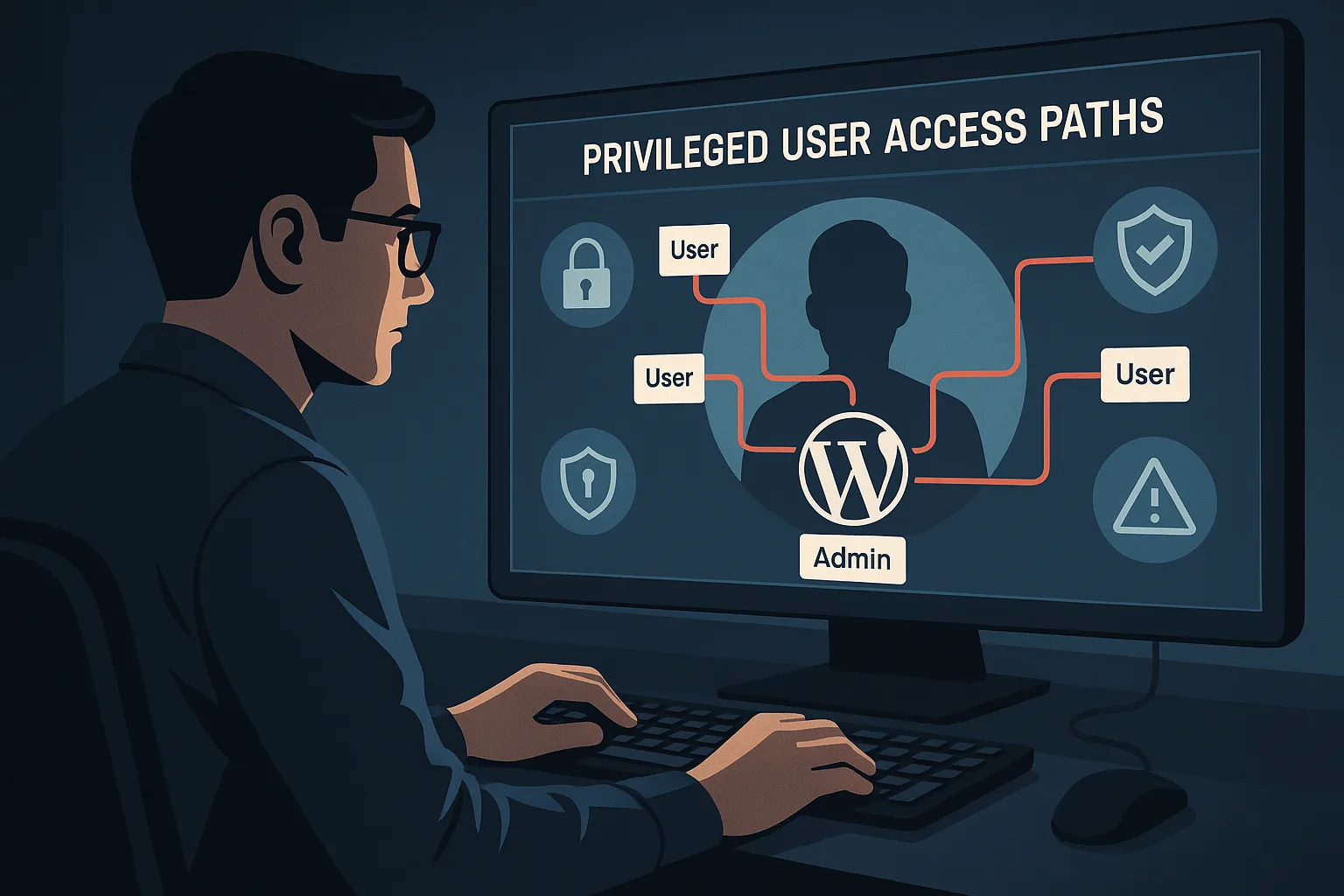
Admin locking virtual padlock on WordPress panel
Admin accounts and privileged automation are the single most effective target for attackers: a single compromised admin or unattended key can turn a minor vulnerability into a site-wide takeover. Beyond credentials, weak approval workflows, long-lived tokens, and poorly monitored automation create persistent attack paths. This guide focuses on controls that shrink that attack surface and make incidents recoverable without long outages. If you want the full operational roadmap, see Hardening Admin Access and Privileged Workflows: A Practical Roadmap for IT Operators for deeper context.
How do you lock down admin access quickly?
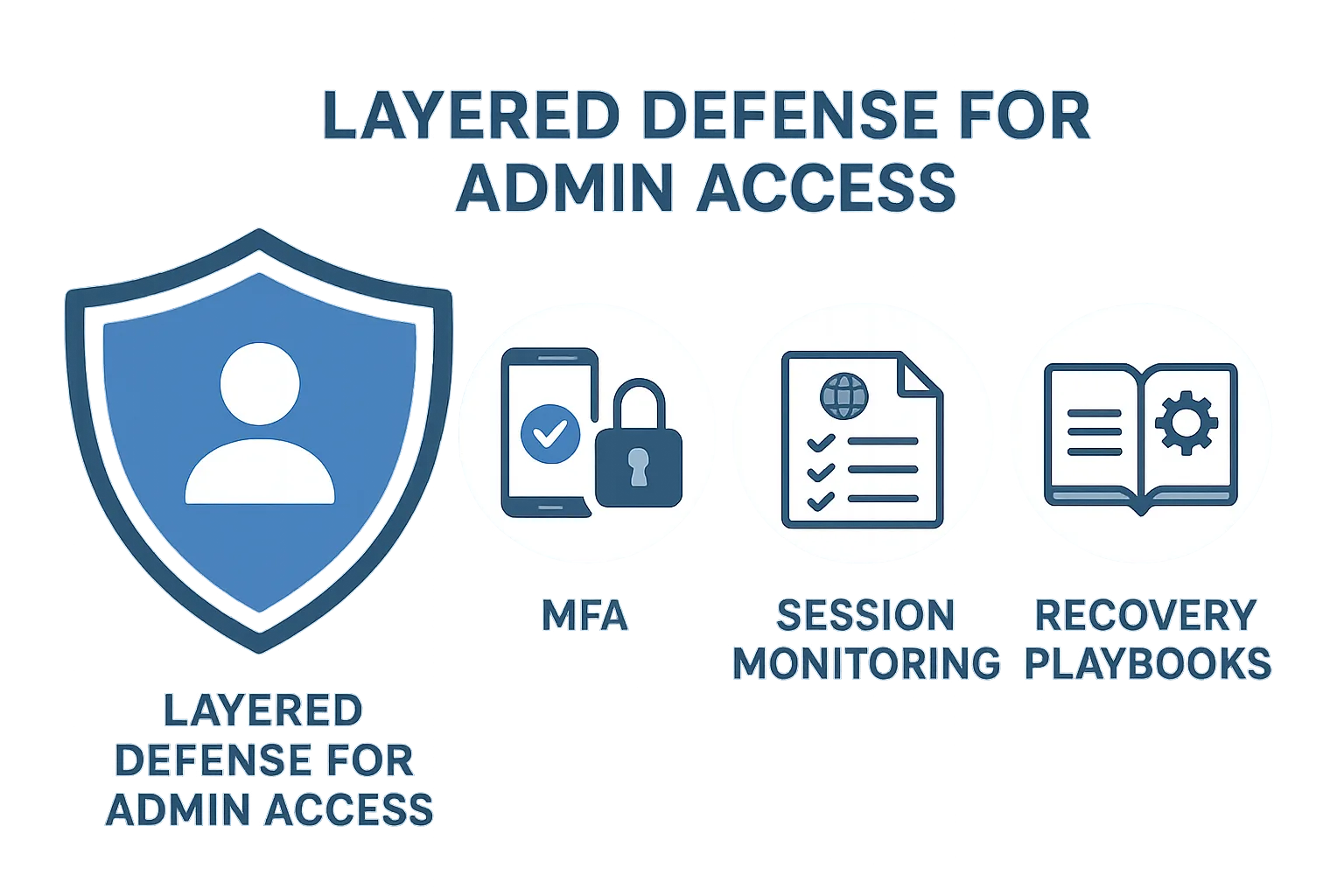
Layered defense diagram for admin access
Enable MFA for all admin users, remove shared accounts, and restrict admin-panel access to known IP ranges or a corporate VPN. Implementing these three changes will significantly reduce credential-stuffing success and make lateral escalation much harder for an attacker. Admin access hardening is both about prevention and making sure every action is attributable and reversible.
Quick wins (0–7 days)
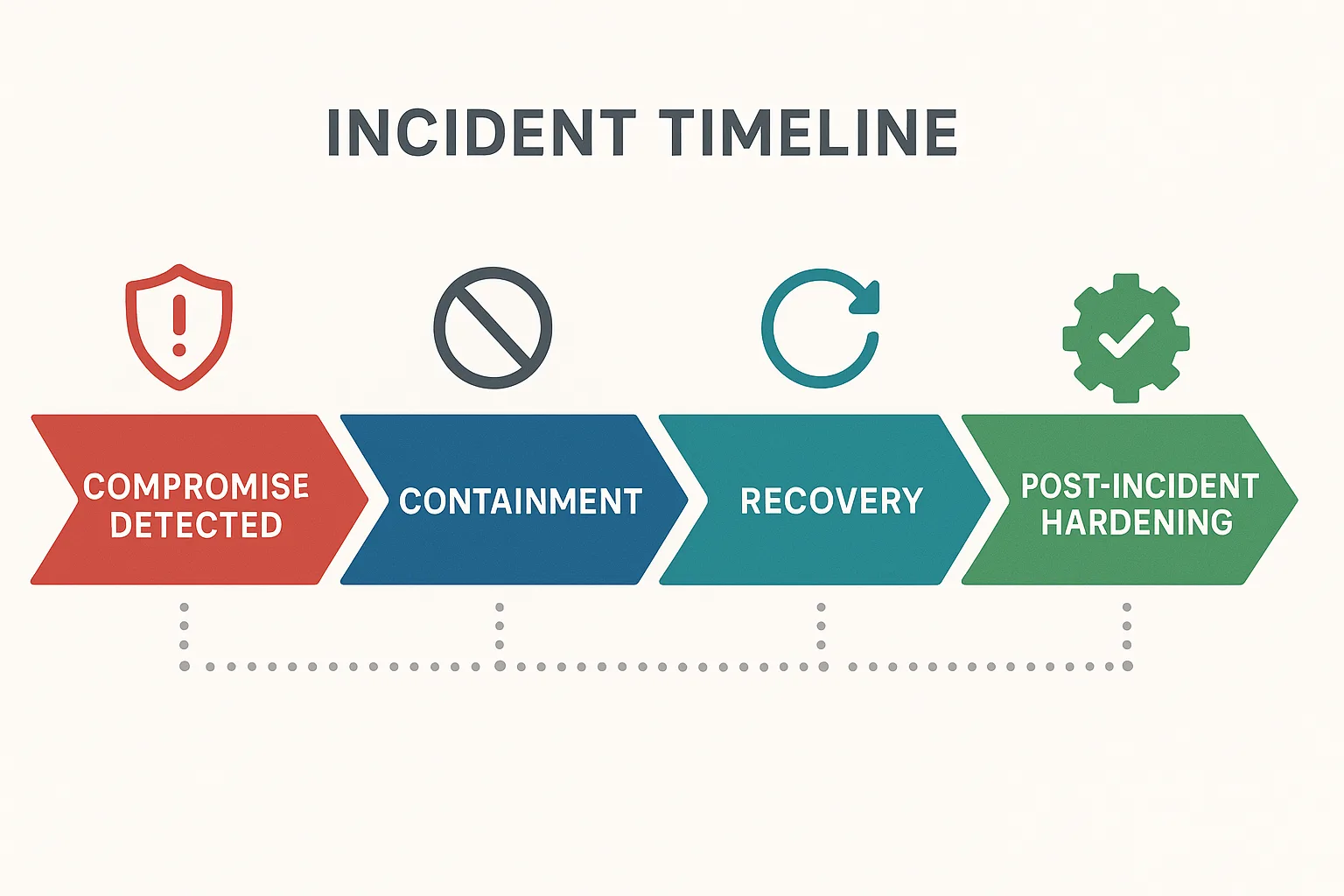
Incident timeline visualization for a WordPress compromise
These are low-friction, high-impact controls you can implement during a single maintenance window. Each item includes short implementation steps so your team can act with minimal coordination overhead.
Enforce unique admin identities and MFA
Create individual admin accounts and require multi-factor authentication for every privileged login. Disallow shared credentials entirely and record account ownership. Practical steps:
- Inventory all accounts with administrator or equivalent capabilities.
- Decide which MFA method to enforce (TOTP, hardware tokens/U2F, or SSO with conditional access).
- Configure the WordPress MFA plugin or your SSO provider and enable “required” for roles with admin privileges.
- Roll out in waves: notify users, enforce for dev/stage first, then production.
- Revoke any sessions that predate MFA enforcement.
Short-term access restrictions
Apply IP allowlisting for /wp-admin, or require connections through a corporate VPN. If restricting by IP is too limiting, use progressive rate-limiting and monitoring on the login form. Implementation tips:
- Start with a logging-only mode for 24–72 hours to identify admin access patterns.
- Implement soft-blocks (CAPTCHA + rate limit) before hard-blocks to avoid accidental lockouts.
- Keep an emergency fallback (break-glass) access method protected by strict approval and short-lived credentials.
Lock down API endpoints
Block unauthenticated access to REST API and XML-RPC endpoints unless explicitly needed. Many automated attacks target these vectors to pivot into admin functions. Quick actions:
- Disable XML-RPC if not used by integrations.
- Restrict REST endpoints to authenticated clients or service accounts with narrowly scoped capabilities.
- Use web application firewall rules or server-level filters to drop common abuse patterns.
Deep fixes (2–12 weeks)
These changes require planning and testing but permanently reduce risk and improve recovery resilience. Each deep fix includes measurable acceptance criteria so you can validate the change.
Least-privilege roles and workflow segmentation
Redefine roles so users only have the capabilities they need. Separate content editors, plugin managers, and billing operators into distinct roles with no admin-level privileges unless strictly necessary. Implementation steps and validation:
- Map every capability to job functions and remove “Administrator” where a custom role suffices.
- Create a test account for each role and verify the minimum required actions are possible (acceptance criteria).
- Document approval paths for role elevation and require logged approvals before any temporary elevation.
Secrets lifecycle and automation security
Migrate long-lived shared credentials to short-lived tokens issued by your identity provider or a secrets manager. Audit integrations and rotate tokens on a schedule tied to deployment windows. Practical steps:
- Catalog service accounts, API keys, and deployment tokens used by CI/CD, monitoring, or plugins.
- Replace shared FTP/SFTP/DB credentials with per-service accounts and short-lived tokens where possible.
- Implement automatic rotation and enforce tight scopes (least privilege) for all tokens.
Session governance and high-risk action gating
Shorten session timeouts for admin sessions and force step-up authentication for high-impact operations like plugin installs, user role changes, and payment endpoint modifications. Suggested defaults and checks:
- Admin session timeout: 15–60 minutes of inactivity depending on your team’s workflow.
- Force reauthentication for plugin/theme installs, new admin creation, and payment configuration edits.
- Log every high-risk action and send high-confidence alerts to the on-call engineer.
Operational controls and monitoring
Hardening doesn’t end with configuration: you need telemetry that maps noisy signals to concrete remediation actions and runbooks. For help turning alerts into actions, see Playbook: Turn Noisy WordPress Security Telemetry into Concrete Remediation Actions.
Event logging and baselining
Log admin events, file changes, and plugin updates centrally. Baselining helps you separate normal maintenance from suspicious activity. Implementation:
- Export logs to a central logging platform (SIEM or log store) and retain 30–90 days for baselining.
- Create a baseline of normal admin operations over 14–30 days and flag deviations (sudden spikes in user creations, plugin installs outside business hours).
- Correlate file integrity alerts with admin activity to reduce false positives.
Prioritized alerting and playbooks
Use alert prioritization to avoid alert fatigue: only page on high-confidence indicators tied to privileged accounts. Pair each alert with a short playbook: containment steps, validation checks, and who to call. Example high-confidence triggers:
- New admin user created outside approval window.
- Plugin installed or updated by an account that hasn’t performed admin actions before.
- Multiple failed admin login attempts from disparate geolocations.
Linking alerts to recovery
Ensure your monitoring ties directly to recovery capabilities: validated backups, snapshot restore steps, and an integrity checklist that can run in an isolated environment. Acceptance criteria:
- Recovery drill completed successfully in staging within 2 hours.
- Snapshots and backups tested for integrity and restoreability quarterly.
Incident mini-case study: a near-miss and what we changed
A midsize publisher experienced rapid page defacements after an attacker escalated from a compromised editor account to an admin plugin install. The initial problem: a shared FTP account and plugins with broad auto-update privileges. Recovery took 18 hours and included restoring content and rotating multiple credentials.
Containment and recovery steps taken
Operators revoked all active sessions, removed the malicious plugin, restored the site from a snapshot isolated offline, and rotated credentials. They then performed a file integrity check against the restored environment before going live. Concrete containment steps used:
- Immediately remove admin network ingress (block IPs / enable maintenance mode).
- Revoke sessions and disable all admin accounts with suspicious activity.
- Snapshot current state, then restore the latest clean snapshot to an isolated staging host.
- Run file integrity checks and search for web shells or unauthorized cron jobs.
Post-incident hardening
The team removed shared accounts, implemented MFA across all admin roles, limited plugin management to a single secure CI pipeline, and added session reauthentication for plugin installs. They also scheduled quarterly recovery drills and integrated the lessons into a documented playbook.
Checklist: actionable steps (apply in priority order)
- Enforce unique admin accounts and require MFA for every privileged user. (Time: 1–2 days)
- Remove or convert shared accounts into logged service accounts with short-lived tokens. (Time: 1–2 weeks)
- Restrict direct admin-panel access by IP or require corporate VPN. (Time: 1–3 days)
- Shorten admin session timeouts and require reauthentication for high-risk actions. (Time: 1–3 days)
- Block unauthenticated REST API and XML-RPC access unless explicitly needed. (Time: 1 day)
- Implement file integrity monitoring and map alerts to recovery playbooks. (Time: 2–4 weeks)
- Perform monthly recovery drills restoring backups to an isolated environment. (Time: recurring)
Playbook: privileged-account compromise (short runbook)
Use this as an incident playbook template to execute under pressure. Keep it printed or available in your incident response tool.
- Triage: Confirm suspicious admin activity via logs and session lists. Capture timestamps and affected accounts.
- Contain: Revoke sessions, disable affected accounts, and place site into maintenance mode or block admin access by IP.
- Eradicate: Remove unknown plugins/themes, disable risky integrations, and rotate all exposed credentials and tokens.
- Recover: Restore from the validated snapshot to isolated staging, run integrity and malware scans, then redeploy to production after validation.
- Post-mortem: Document root cause, time-to-detect, time-to-recover, and action items (who, what, when). Schedule fixes into backlog and assign owners.
How to operationalize these controls without adding chaos
Start with logging and reversible changes: test IP restrictions with staged enforcement, roll out MFA in waves, and convert shared accounts to individual logins before decommissioning the old access paths. Combine monitoring with documented playbooks so a triggered alert leads to a known set of actions rather than ad-hoc investigations. For hands-on operator guidance, review Hardening Admin Access and Privileged Workflows: A Practical Roadmap for IT Operators and Playbook: Turn Noisy WordPress Security Telemetry into Concrete Remediation Actions.
Where tooling helps: targeted platform capabilities
To implement session controls, fast recovery, and integrated monitoring that maps alerts to remediation steps, use a platform built for WordPress admin continuity. For holistic defense combining malware controls and admin hardening, review Fight Back: A Tactical Layered Defense Against WordPress Malware and Web Shells. The right tooling reduces manual toil: centralized auth, short-lived tokens, session management, and automated playbooks make admin access hardening repeatable and measurable.
Related operator reading
For deeper tactical playbooks and examples, review these operator-focused guides: Hardening Admin Access and Privileged Workflows: A Practical Roadmap for IT Operators, Playbook: Turn Noisy WordPress Security Telemetry into Concrete Remediation Actions, Fight Back: A Tactical Layered Defense Against WordPress Malware and Web Shells, and Hardening Admin Access and Privileged Workflows: A Mistakes-to-Avoid Playbook for WordPress Owners.
Final recommendations and next steps
Prioritize the quick wins this week: enforce MFA, stop sharing admin accounts, and restrict admin-panel access. Schedule the deep fixes into your next change window and run at least one recovery drill in the following month. Hardening admin access is both preventive and procedural — technical controls must be paired with practiced runbooks. Track progress against the checklist, measure time-to-detect and time-to-recover, and iterate.
FAQ
What if an admin needs to work remotely from unpredictable IPs?
Require a corporate VPN for remote admin access; if VPN isn’t feasible, require device-based certificates or conditional access tied to device posture and enforce MFA for every session. Consider short-lived admin tokens and break-glass approvals for exceptional access.
How often should admin accounts be reviewed?
Review privileged accounts quarterly and immediately after staffing changes. Remove or downgrade any account that has not been used in 30–90 days depending on role criticality. Maintain an access log and require justification for dormant account reactivation.
Which actions should force step-up authentication?
Force reauthentication for plugin installs/updates, user role changes, creation of new admin accounts, and modifications to payment or checkout endpoints. Log the action, the actor, and require an approval ticket for out-of-band changes.
How do we test recovery without risking production?
Restore backups into an isolated staging instance that mirrors production, validate admin workflows, and run integrity checks. Document the exact rollback steps and timing to minimize production risk during a real incident. Run at least one end-to-end drill quarterly and capture metrics to improve your playbooks.