
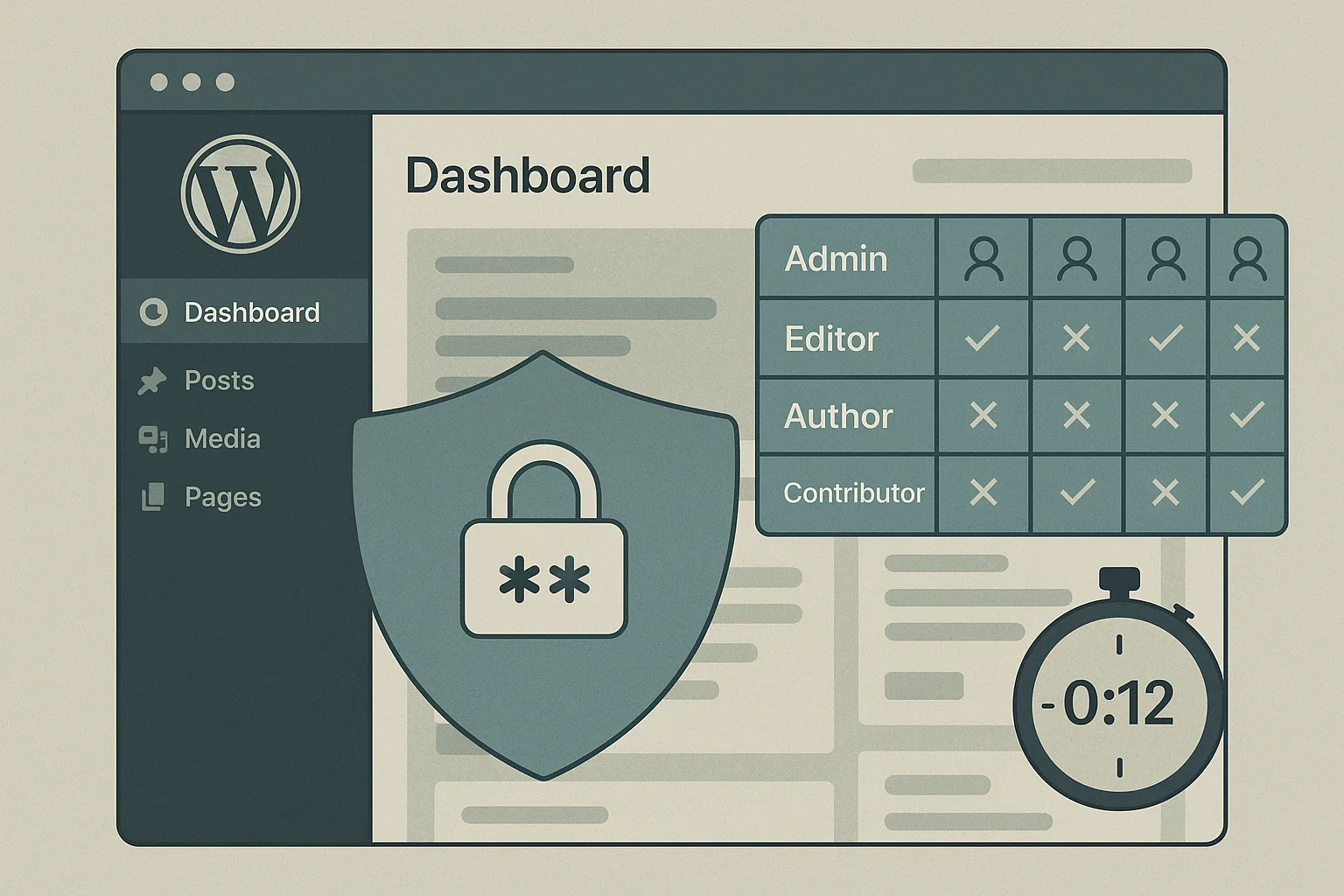
This implementation roadmap helps IT generalists responsible for uptime, patching, and incident response harden WordPress admin access and privileged workflows. You’ll get quick wins you can apply in hours, deeper fixes you should plan over days or weeks, a short incident mini-case study, and a ready-to-run checklist that reduces blast radius and accelerates recovery.
- Why admin access is the critical attack surface
- How do you lock down admin access without breaking operations?
- Quick wins you can deploy in hours
- Deep fixes: structural changes to reduce blast radius (days–weeks)
- Admin hardening checklist (actionable)
- Instrumenting monitoring and recovery
- Incident mini-case study: rapid containment after admin compromise
- How Hack Halt helps implement these controls
- Next steps and operational checklist
- FAQ
Why admin access is the critical attack surface
Admin accounts control content, plugins, themes, user accounts, and often integrations that touch payments and data. A single compromised administrator can persistently install malware, create web shells, or exfiltrate secrets. Hardening admin access reduces both the chance of compromise and the impact when incidents occur.
Common operator mistakes that increase risk
Using shared admin credentials, granting broad capabilities to non-admin tasks, and leaving stale accounts enabled are the most common and avoidable mistakes. These decisions simplify workflows in the short term but increase blast radius and recovery complexity.
Attack patterns to watch for
Credential stuffing, phishing, and malicious plugins are frequent vectors. Once an attacker has admin privileges they often install backdoors or create high-privilege accounts. Prioritize detection of privilege changes and new admin account creation.
How this guide fits into broader response playbooks
This roadmap complements telemetry-driven remediation and recovery playbooks. For example, tie the privilege-change alerts described here into your incident runbooks and recovery steps outlined in operational playbooks such as the Playbook: Turn Noisy WordPress Security Telemetry into Concrete Remediation Actions.
How do you lock down admin access without breaking operations?
Start with controls that are reversible and observable: enable MFA for interactive accounts, convert shared credentials to scoped service accounts, and roll out session limits. Test each change on a staging site or a small pilot group, measure workflow impact, and use logging to validate that automation still works.
Plan pilot groups and rollback paths
Use a pilot of content editors and one site admin to validate MFA and session expiry. Maintain a documented rollback process so you can revert changes quickly if a critical workflow breaks.
Communicate and train
Notify stakeholders of timing and provide concise instructions for MFA enrollment, credential rotation, and service-account conversion. Reduce helpdesk friction by preparing recovery codes and a short troubleshooting guide.
Quick wins you can deploy in hours
1) Enforce multi-factor authentication
Enable MFA for all administrator and editor accounts and require re-authentication for critical operations. MFA stops most automated takeover attempts and is one of the highest-impact, lowest-effort controls you can enable.
2) Remove or neutralize shared credentials
Identify shared admin accounts and either convert them to scoped service accounts or rotate credentials and require named personal logins. Shared credentials prevent accountability and slow incident containment.
3) Revoke stale accounts and limit default access
Run a quick audit for accounts that haven’t logged in for 90+ days and either disable them or confirm ownership. Rename or remove default admin usernames and lock down super-admin capabilities to a small roster.
4) Shorten session lifetimes and add session revocation
Reduce persistent login durations for admins and add the ability to revoke active sessions after suspicious events. This reduces the window an attacker can operate with stolen tokens.
Deep fixes: structural changes to reduce blast radius (days–weeks)
Implement least-privilege role design
Split capabilities so publishing, configuration, and infrastructure tasks live in separate roles. For example, create a “Content Publisher” role without plugin or theme capabilities and reserve site administration tasks for a smaller, monitored group.
Replace human automation with scoped service accounts
Where automation needs write access (deployment hooks, backups, integrations), create service accounts with minimal capabilities, short-lived credentials, and auditable keys. Never use an interactive admin account for automation.
Centralize and harden privilege elevation
Use a documented approval workflow for anything that requires temporary privilege elevation. Record approvals in your incident logs and require multi-party sign-off for escalations that affect payment or user data flows.
Strengthen auditing and detection
Instrument logging for user-management events, plugin/theme installs, and capability changes. Feed those events into your alerting pipeline so privilege changes become high-fidelity alerts you can act on.
Admin hardening checklist (actionable)
- Enable MFA for all admin/editor accounts and require re-authentication for high-risk ops.
- Audit and disable accounts inactive for 90+ days; remove duplicates and shared logins.
- Create scoped service accounts for automation; rotate keys and set expirations.
- Apply least-privilege roles: separate publishing from configuration and infra tasks.
- Shorten session lifetimes (24–72 hours) and add session revocation capability.
- Log and alert on admin user creation, privilege changes, and plugin/theme installations.
- Test access changes in staging and maintain a rollback runbook tied to backups.
- Document approvals for temporary privilege elevation and require two-party sign-off for sensitive operations.
Instrumenting monitoring and recovery
Hardening admin access only succeeds if you can detect misuse and recover fast. Tie privilege-change logs to alerts, and keep tested backups and a recovery checklist nearby. For operators looking to implement and automate these controls, consider the integrations and documentation available at Hack Halt Inc. documentation for step-by-step configuration and alert rules.
What to log and why
Log user creations, role edits, login failures, successful admin logins, plugin/theme installs, and file changes in wp-content. These events directly indicate either a configuration change or a potential compromise and should be prioritized in alerts.
Recovery playbook linkage
Link privilege-change alerts to a recovery playbook so your runbook automatically escalates. The Layered Response Blueprint and the Fight Back layered defense articles provide complementary steps for containment and remediation.
Incident mini-case study: rapid containment after admin compromise
A mid-sized content site noticed a new admin user created by an unknown IP. The operator immediately revoked all active sessions, reset credentials for all admins, and forced MFA re-enrollment. Using prior logging, they identified the source plugin that allowed arbitrary user creation, disabled it, and restored a clean backup for the affected directory. After containment they converted automation tasks to scoped service accounts and tightened role assignments to prevent recurrence.
Key takeaways from the incident
Fast containment starts with the ability to revoke sessions and force credential rotations. Having scoped service accounts and a small administrative roster significantly reduces recovery time. Post-incident, the team used the experience to formalize a privilege-change alert and a quarterly account review process.
How Hack Halt helps implement these controls
Hack Halt Inc. offers tooling and documentation that make it practical to roll out MFA enforcement, session revocation, privilege-change alerts, and automated drift detection across plugins and themes. See the pricing and plan details to evaluate deployment options: Get started with Hack Halt Inc.
Next steps and operational checklist
Prioritize the quick wins for immediate risk reduction, then plan the deep fixes during your next maintenance window. Coordinate pilots for MFA and session limits, update runbooks to reflect new approval workflows, and schedule your first quarterly privileged account review.
FAQ
How quickly should I force MFA for my admins?
Enforce MFA as soon as possible for all administrative and editor accounts; pilot for a small group if you must, but make the timeline short (days) to reduce exposure.
What if MFA interferes with my publishing workflow?
Use session policies that balance security and usability: require MFA for sensitive operations and shorter expirations for admin sessions, but allow longer-lived sessions for low-risk content editors in a monitored scope.
Do I need to rebuild my site to harden admin access?
No. Most hardening steps—MFA, role changes, removing stale accounts, session limits, scoped service accounts—are configuration and policy changes that you can implement without rebuilding. Test changes in staging first.
Where can I learn more about operational playbooks for privilege incidents?
Review operator-focused playbooks such as the telemetry remediation playbook and the monitoring and recovery roadmap to align alerts with concrete remediation steps.
For ongoing hardening guidance and step-by-step configuration tied to admin controls, visit Hack Halt Inc. and the documentation referenced above.


