
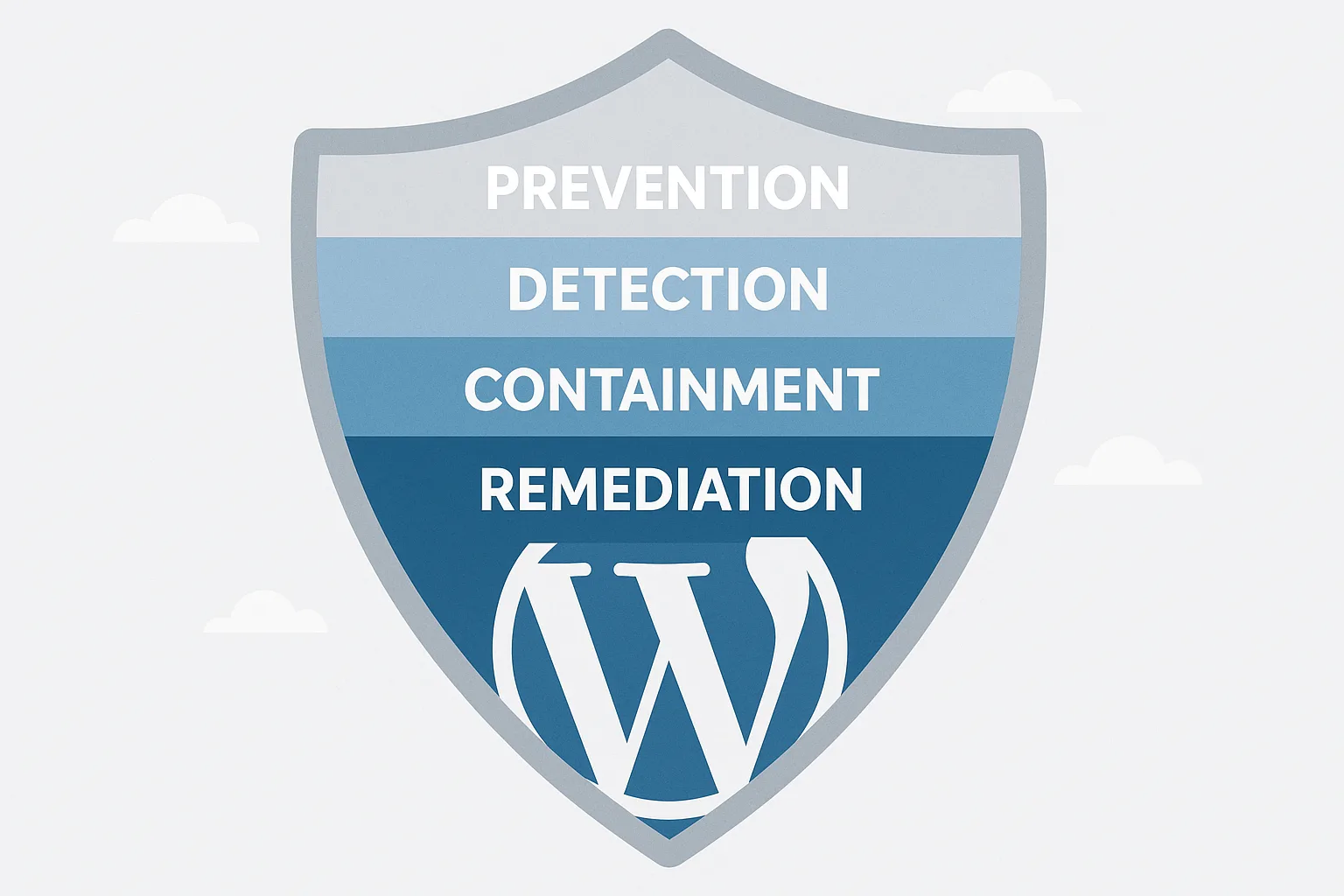
As the IT generalist on call, you need a fast, repeatable blueprint to prevent, detect, and respond to WordPress malware and web shells without sacrificing uptime. This article gives a pragmatic, layered-defense playbook you can run through in an incident or convert into standing operations. Follow the steps below to reduce the risk of new compromises, find existing web shells, contain active attacks, and restore clean service quickly.
1. Why layered defense matters for WordPress malware and web shells
Web shells and PHP backdoors are stealthy: they often enter through vulnerable themes/plugins, exposed uploads, or compromised admin accounts, and then persist. A single control won’t stop them. Layered defense reduces risk by combining attack-surface reduction, file integrity monitoring, runtime detection, and rapid containment to keep your site online and recoverable.
2. Layer 1 — Reduce attack surface (prevention)
Start here to cut the number of possible infection paths.
2.1 Harden file permissions and ownership
Ensure web server user owns only what it must. Typical safe baseline: files 644 and directories 755; wp-config.php 600 or 640. Confirm ownership with ls -la and fix ownership with chown where necessary.
2.2 Lock down uploads and executable paths
Prevent PHP execution in uploads by denying execution in server configs for /wp-content/uploads (use a webserver block or .htaccess rule that prevents php execution). Convert any loose plugin that writes PHP into uploads into a managed process or sandbox.
2.3 Minimum required admin access
Apply least privilege: remove unused admin accounts, rotate credentials, and enforce MFA. Cross-check with your internal access controls and the principles in Admin Access Hardening: 12 Costly Mistakes Agencies Make and Tactical Fixes for tactical tips on account trimming.
3. Layer 2 — Detect early (monitoring and integrity)
Detection gives you time to stop execution and limit damage. Use multiple signals: file changes, suspicious process activity, outbound connections, and anomalous admin behavior.
3.1 File integrity monitoring (FIM)
Baseline a catalog of known-good checksums for core files, theme files, and critical plugins. Run a daily or hourly scan to detect additions or modifications. Example: record SHA256 checksums and alert on new PHP files under /wp-content/uploads or unexpected edits to theme files.
3.2 Runtime indicators and logs
Monitor webserver access logs for POST requests to unexpected PHP files, POSTs with long payloads, or requests containing eval/base64_decode strings. Correlate with PHP error logs and process lists to detect on-the-fly web shells.
3.3 Cross-check admin actions
Alert on unusual admin logins (new IPs, impossible travel, bulk user edits). Tie these alerts into your detection pipeline; review with the checklist in Stop Brute-Force & Credential Stuffing if credential abuse is suspected.
4. Layer 3 — Contain quickly (isolation & limits)
When you suspect a web shell or active malware, containment prevents lateral movement and stops reinfection while you investigate.
4.1 Fast isolation checklist
- Put the site in maintenance mode (if public exposure is a risk) but avoid full shutdown that breaks critical business flows.
- Temporarily block or rate-limit suspicious source IPs at the firewall or webserver.
- Disable write permissions on uploads and wp-content while you snapshot the system.
- Take a file-system snapshot and preserve logs for forensic review.
4.2 Network-level containment
Limit outbound connections from the web server (e.g., via host firewall or host-level egress rules) to stop command-and-control callbacks. If you use a load balancer, shift traffic to a clean host while you investigate the suspect node.
5. Layer 4 — Investigate and remove (forensic steps)
Follow a narrow, evidence-driven process so you remove only infected components and restore service safely.
5.1 Identify indicators of compromise (IOCs)
Look for: new or modified PHP files with obfuscation (base64_decode, eval, gzinflate), files with odd timestamps, unexpected cron entries, and unfamiliar admin user accounts. Use scripted searches for strings like “base64_decode(” or “gzinflate(” restricted to non-core paths.
5.2 Prioritize remediation targets
Start with files that are both executable and in writable directories (uploads, tmp). Remove or quarantine additions, then move to modified theme/plugin files. Never blindly replace wp-config.php without checking for backdoors added to it or to drop-in files.
5.3 Clean vs. restore decision
If multiple files are modified or you lack a verified clean baseline, prefer restoring from a known-good backup. If you must clean in place, quarantine suspicious files in a separate directory and document every change.
6. Recovery: restore, validate, and harden post-incident
A measured recovery maintains uptime while reducing repeat risk.
6.1 Verify backups and restore strategy
Choose the most recent backup that predates the compromise. Test the restored environment in a staging context to validate no latent web shells remain and to run smoke tests for critical flows (login, checkout, API endpoints).
6.2 Post-restore validations
Run your FIM scan, web crawler scan for suspicious file endpoints, and log review. Confirm admin accounts and keys are rotated and that MFA is enforced.
7. Response playbook — step-by-step blueprint (what to run, when)
Follow this ordered checklist when you detect a likely web shell or active malware.
- Detect: Trigger comes from FIM alert, log anomaly, or admin report.
- Snapshot: Immediately capture file-system and relevant logs (access, error, PHP-FPM) and note timestamps.
- Isolate: Limit write access, block offending IPs, and shift traffic if possible.
- Scan: Run targeted scans for obfuscated PHP in uploads and theme/plugin dirs.
- Quarantine: Move suspicious files out of the web root into a timestamped quarantine folder.
- Decide: Clean file-by-file or restore from backup based on scope.
- Remediate: Apply fixes, patch vulnerable components, rotate keys and passwords.
- Validate: Run smoke tests and FIM to confirm a clean baseline.
- Document: Record timeline, IOCs, remediation steps, and lessons learned.
8. Actionable checklist (copy and use during an incident)
- Collect: ls -la, md5/sha256 of suspicious files, webserver logs (last 24–72 hours).
- Snapshot: Create a file-system snapshot and export logs to central storage.
- Block: Apply temporary firewall rules for suspicious IPs; set uploads to read-only.
- Quarantine: Move suspect files to /root/quarantine/YYYYMMDD_HHMM and note original path and owner.
- Restore: If restoring, pick backup with validated integrity and pre-compromise timestamp.
- Harden: Fix file permissions, lock down uploads, remove unused plugins/themes, enforce MFA.
- Follow-up: Rotate credentials, update monitoring rules, schedule a post-mortem within 48 hours.
9. Mini-case study: Rapid containment preserved uptime
Scenario: A mid-market site received a FIM alert that flagged new PHP files under /wp-content/uploads. The IT generalist followed the playbook: snapshot, set uploads to read-only, and quarantined the files. Traffic was redirected to a warm standby host while the team validated backups. Investigation found an outdated plugin used by a partner. The team restored a clean backup, patched the plugin, enforced MFA, and validated the site with a FIM run before returning traffic. Result: under two hours of degraded service and no data exfiltration. For targeted guidance on reducing plugin blast radius, see Minimize WooCommerce Blast Radius.
10. Operationalize — turn this blueprint into daily ops
Integrate FIM and log alerts into your on-call workflows, maintain a current backup validation routine, and rehearse the playbook on a staging host quarterly. Use combined metrics: mean time to detect (MTTD) and mean time to containment (MTTC) to measure improvements.
11. How Hack Halt Inc. helps implement these controls
When you need to operationalize layered defenses and reduce time to remediation, consider implementing the controls in this blueprint with Hack Halt Inc. — a way to centralize monitoring, automated containment rules, and recovery playbooks so your team can act reliably under pressure.
12. Resources and further reading
Use these internal resources to tighten gaps referenced in this blueprint: the Battle-Tested WordPress Security Checklist for monitoring and recovery playbooks, and the Global Threat Intelligence Network for current IOCs and threat signals.
FAQ
Q1: I found a single malicious PHP file in uploads — can I just delete it?
A1: Delete only after you snapshot and quarantine the file for investigation. Treat single files as possible indicators of a wider compromise. Run a targeted scan for other anomalies and check access logs for the request that created or modified the file.
Q2: My site needs near-constant uptime — how do I balance containment with availability?
A2: Use staged containment: limit write permissions and block offending IPs first rather than full shutdown. Shift traffic to a warm standby host if available. The playbook in section 7 walks through containment steps that preserve critical flows where possible.
Q3: Are automated cleaners safe to run on a production site?
A3: Be cautious. Automated cleaning can remove necessary customizations or miss hidden backdoors. If you must use automation, run it on a snapshot or staging instance first and preserve full backups and logs for forensic review.
Q4: How often should I run file integrity scans?
A4: At a minimum, run FIM daily. For higher-risk sites (frequent uploads, active e-commerce), run hourly. Increase scan frequency during high-threat windows or after significant updates.
Use this blueprint to create a repeatable incident playbook your team can follow at 2 a.m. or during a crisis. For configuration templates, automated response rules, and managed monitoring to implement these layers consistently, review Hack Halt Inc.’s offerings and pricing to choose the right level of operational support.
Related reading: see Avoid These Admin-Access Mistakes That Lead to Breaches for common admin misconfigurations that enable web shells, and explore Documentation for internal processes you can adapt.