

This article is written for eCommerce managers running WooCommerce stores who need tactical, operator-grade fixes for admin-access failures that threaten payment and customer data. You’ll get a mistakes-to-avoid teardown, concrete corrective actions you can apply today, and an implementation path to operationalize controls without disrupting order processing.
- Why admin-access mistakes matter for WooCommerce payments
- How do I lock down admin access without breaking workflows?
- Tactical teardown: costly mistakes and precise fixes
- Operator patterns: how to implement privilege boundaries
- Incident mini-case study: attacker stopped by proper privilege boundaries
- Monitoring, alerting, and recovery for privileged workflows
- Operational rollout: practical sequence for the next 30 days
- Final notes and next steps
- FAQ
Why admin-access mistakes matter for WooCommerce payments
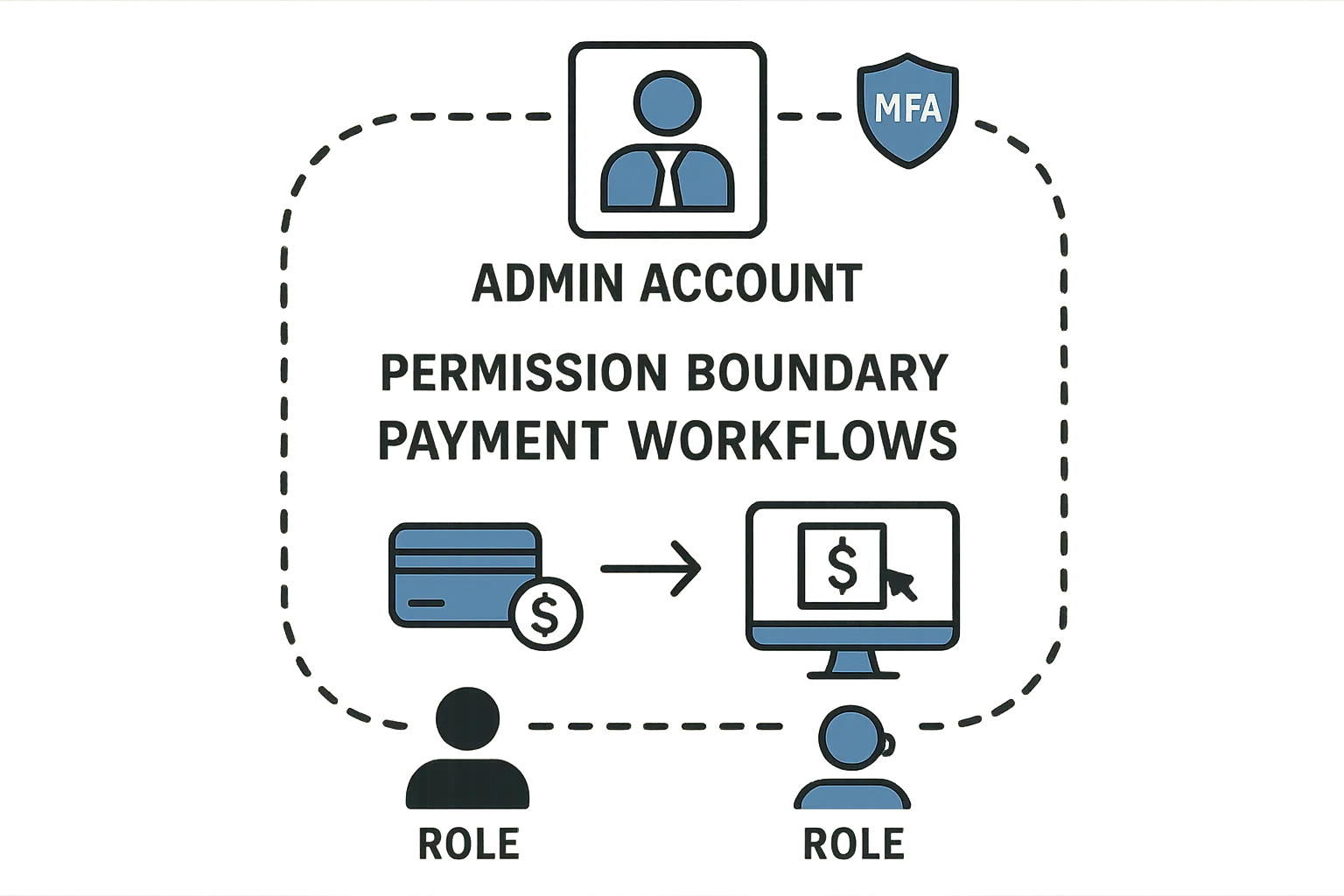
Diagram of admin permission boundary for payment workflows
Attackers target admin accounts because those identities control payments, refunds, customer records, and payment gateway credentials. A single over-privileged account can expose full card-on-file metadata or permit outbound API keys to be replaced. For stores, that means chargeback risk, regulatory exposure, and weeks of recovery work unless controls limit what a compromised account can actually do.
Common admin-access mistakes
Operators often make the same practical errors: shared admin accounts for seasonal staff, granting full administrator rights for plugin testing, or leaving service accounts with unlimited capabilities. Each convenience compounds blast radius when the account is abused.
Where privilege errors intersect with payment workflows
Payment workflows have small sets of high-risk actions: key rotation, refund issuance, exporting customers, and webhook configuration. When those actions live on the same identity used for day-to-day tasks, a single compromise can produce immediate financial impact.
Internal link: learn the exploit mechanics
To understand how plugin or credential compromises turn into payment exposure, see the operator-focused breakdown in How WordPress Hacks Actually Happen, which explains attack chains and control points you can harden.
How do I lock down admin access without breaking workflows?
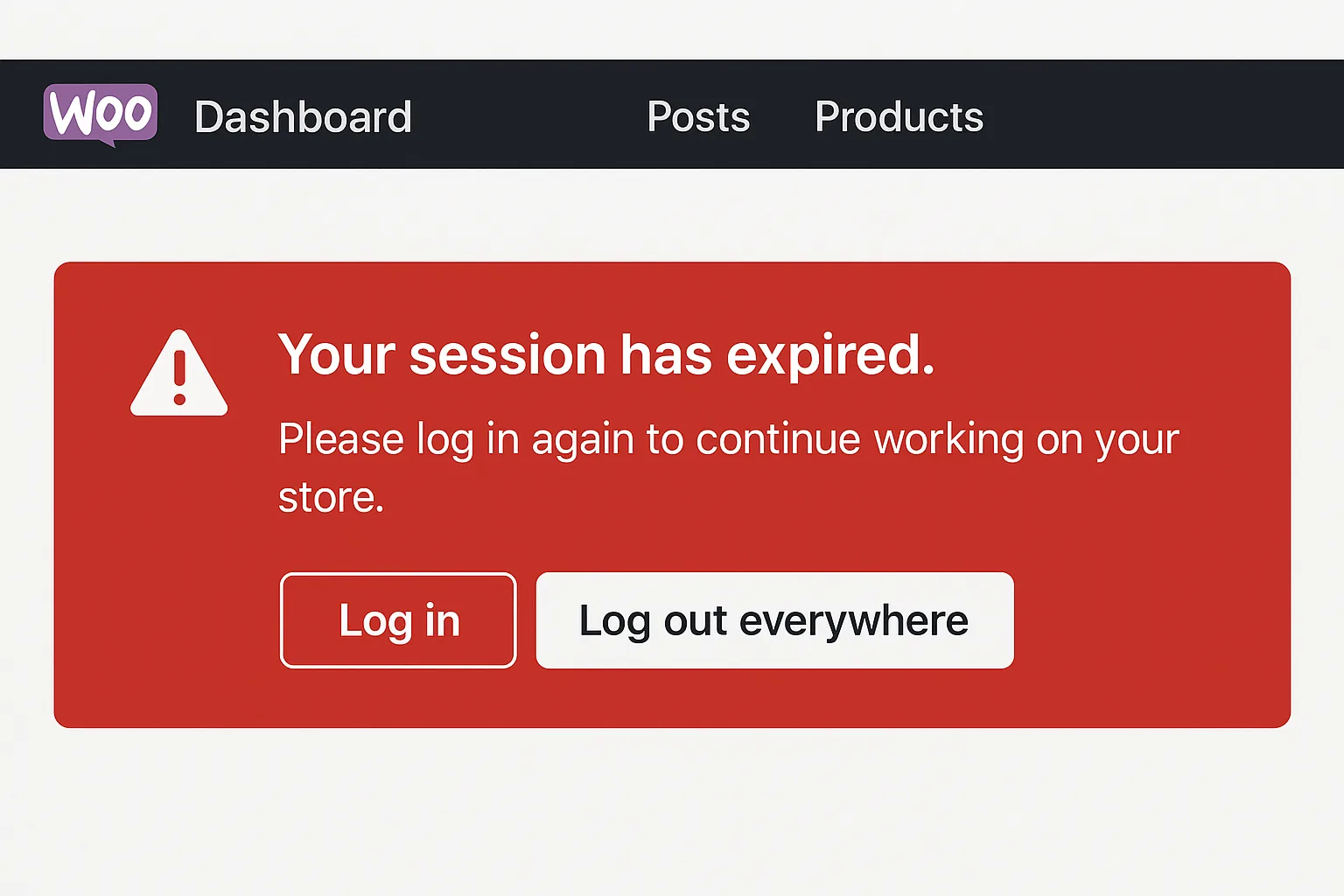
Mockup of session-management alert in WooCommerce admin panel
Limit high-risk actions to purpose-built identities, require short-duration elevation and two-person approvals for refunds or API changes, and automate session revocation and logging so normal order tasks remain fast while privileged actions stay auditable and controlled.
Tactical teardown: costly mistakes and precise fixes
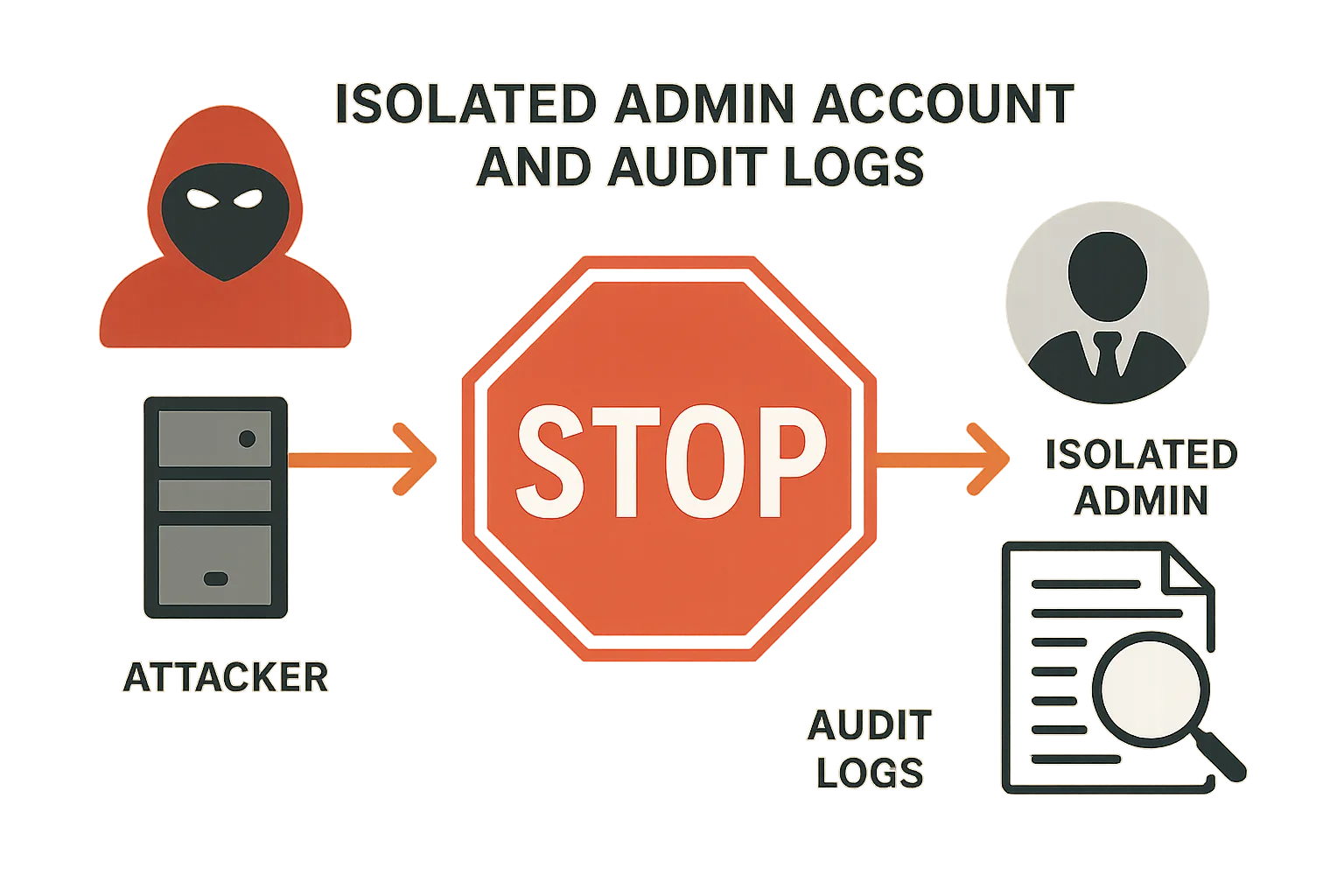
Illustration of blocked attacker pivot in an incident mini-case
Below are frequent operator mistakes followed by a tactical corrective action you can apply immediately. Avoid generic advice—these are targeted, practical fixes you can test in staging and roll out in production.
Mistake: Shared admin accounts for seasonal staff
Fix: Create named accounts with the minimum capabilities required for storefront tasks. Where temporary staff are needed, use accounts that expire after a set time and revoke sessions on off-boarding. This preserves audit trails and lets you trace changes back to specific users.
Mistake: Over-privileged plugins and service accounts
Fix: Separate plugin or integration service accounts from human admins. Use role-limited identities for automation that only have the exact capabilities required (for example, ‘order_read’ and ‘order_update’ but not ‘export_customers’). When a plugin requires higher capability for a short window, limit its elevated role and monitor closely.
Mistake: No two-person control for refunds and key rotation
Fix: Introduce a simple operational workflow: require one operator to request refund elevation and a second operator to approve. Maintain a short-lived escalation token that is audited and expires automatically. This prevents a single compromised admin from performing high-impact operations alone.
Documenting the setting: how Hack Halt helps
When you need to codify these policies in platform controls, follow our implementation guides in the Hack Halt documentation for session policies, role templates, and alert rules that map directly to the fixes above.
Operator patterns: how to implement privilege boundaries
Below are concrete patterns and a short example you can copy into your change control process to reduce human error and attacker risk.
Pattern: Role segmentation for payment vs. fulfillment
Define three roles at minimum: Fulfillment (orders, prints, shipping), Payment Ops (refunds, gateway keys), and Platform Admin (plugins, themes, updates). Ensure Payment Ops cannot install or activate plugins, and Platform Admin cannot process refunds in day-to-day flows.
Pattern: Just-in-time elevation
Example: An operator needs to issue a refund. They request elevation through your ticketing system which triggers a short-lived token issuance and alert. The token is valid for 15 minutes and only allows the refund action; the event generates an immutable audit entry.
Pattern: Session and device controls
Force single active session for Payment Ops accounts and require re-authentication after administrative actions. This prevents long-lived sessions from being abused if credentials are exfiltrated from a single workstation.
Incident mini-case study: attacker stopped by proper privilege boundaries
A mid-size store saw an attacker gain shell access through a vulnerable plugin on a low-privilege account. The attacker attempted to escalate by accessing the single shared admin account that historically handled refunds. Because the store had split Payment Ops into a separate role with session limits and required elevation for refunds, the attacker could not execute a refund or rotate API keys. The incident was contained to content modification and a few customer-detail reads; the team revoked the compromised accounts, rotated keys, and restored clean backups. This outcome shows the practical value of separating payment privileges and enforcing short-lived elevation.
What the team changed after the incident
They automated session revocation for accounts flagged by the IDS, introduced two-person approval for refunds, and tightened API key privileges. They also linked these controls to monitoring and recovery playbooks referenced in Minimize WooCommerce Blast Radius.
Monitoring, alerting, and recovery for privileged workflows
Hardening admin access is meaningless without targeted detection. Configure alerts for three classes of events: privilege changes, export or key-rotation operations, and unusual session behavior. Keep forensic snapshots and run integrity checks on payment-related endpoints after any privileged change.
Alert rules to prioritize
High-priority alerts include: new admin user creation, sudden permission escalations, refund spikes, and export attempts of customer or payment data. Route these alerts to your incident channel with a runbook that includes immediate session revocation and a forensic snapshot.
Integrating brute-force prevention
Credential attacks are a leading vector; pair privilege hardening with resilient login defenses. For operator-level guidance on stopping credential stuffing and password-based attacks, reference the Stop Brute-Force & Credential Stuffing Playbook to reduce noisy credential attempts that often precede privilege abuse.
Recovery and blast-radius minimization
Have recovery playbooks that prioritize payment integrity: revoke gateway credentials first, verify transaction histories with your PSP, and block outward API changes while you investigate. See the operational recovery recommendations in the Layered Response Blueprint for fast containment actions.
Operational rollout: practical sequence for the next 30 days
Use a phased, test-first rollout: inventory accounts and privileges (days 1-3), create role templates and test in staging (days 4-10), deploy session controls and just-in-time elevation to a pilot group (days 11-20), and roll out to production with monitoring and alerts active (days 21-30). Include training for Payment Ops so they can perform their tasks under the new workflows without delay.
Short example of a policy change log entry
Log example: “2026-04-23 — Created ‘Payment Ops’ role: allowed capabilities: order_read, order_refund (requires elevation), key_read; revoked: plugin_install, user_export. Pilot users: alice@store, bob@store. Rollout schedule: 2026-04-30.” Maintain change logs tied to tickets for auditability.
Making it operational with Hack Halt
To implement these controls without stitching multiple point tools, consider using Hack Halt Inc. to manage role templates, short-lived elevation tokens, session policies, and alert rules in a unified workflow. Learn more about deployment and pricing at Hack Halt Inc. pricing.
Final notes and next steps
Start by isolating payment privileges and forcing audit trails. Run a small pilot for just-in-time elevation and session limits, then expand. Operational controls that protect payment data are about reducing blast radius and preserving recoverability—both of which are achievable without slowing order processing when implemented as the tactical patterns above.
FAQ
How quickly should I revoke sessions after suspected compromise?
Revoke sessions immediately for any account tied to payment workflows; prioritize Payment Ops accounts first. Short session TTLs and single-active-session policies reduce the manual work required in an emergency.
Is auditing enough to stop damage?
Auditing is necessary but not sufficient. Audits help with detection and post-incident analysis, but you must pair them with preventive controls like role separation, just-in-time elevation, and session limits to stop attackers from acting before you can respond.
What if my team resists extra approval steps?
Start with a pilot for the smallest set of high-risk actions (refunds, key rotation) and gather time-to-complete metrics. In most cases, the small operational cost is offset by avoided incident recovery time. Use automation to make the elevation flow fast and auditable.
Can these changes be tested safely in staging?
Yes—mirror your production roles and payment integrations in staging with test gateway credentials. Validate elevation workflows and session limits in staging before any production rollout.